Connecting a Power Sensor Getting Started
EPM-P Installation Guide 23
Connecting a Power Sensor
Using the correct cable, any Keysight diode based power sensor can be
connected to the E4416A or E4417A power meters. (The E9288 Series cables
are color coded to help distinguish them from the 11730 Series.)
NOTE The following shows the procedure for single channel meters configured with
front panel mounted POWER REF and CHANNEL connectors. The procedure
is similar for meters configured with rear panel connectors. Also, for dual
channel meters (E4417A), you should repeat the procedure for the channel B
sensor.
Power Sensor E-Series E9288 11730 Series
8480 Series
• •
E-Series E4410 • •
E-Series E9300 • •
E-Series E9320 •
N8480 Series • •
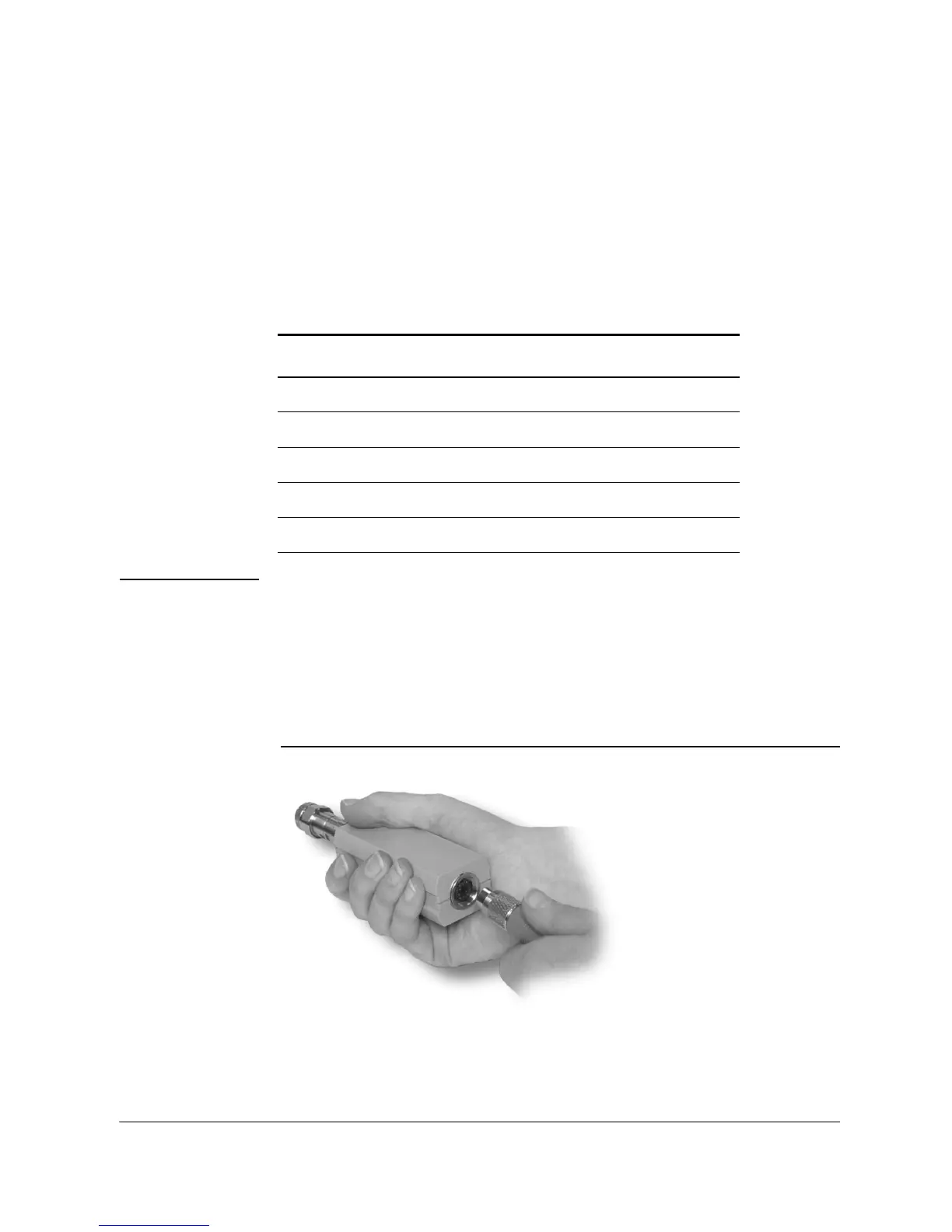
1. Connect the sensor to a Keysight E9288 Series cable.












 To Next Page