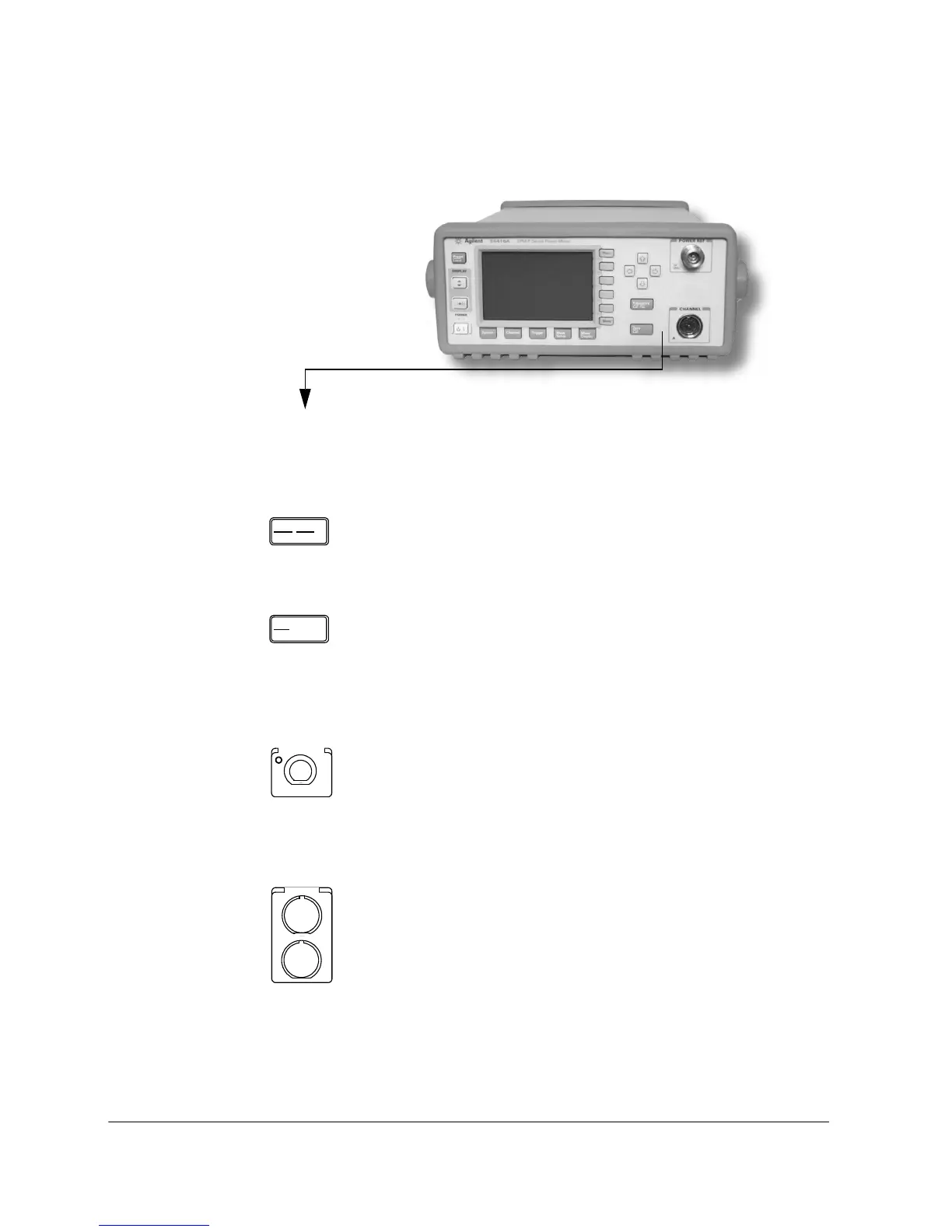
Getting Started Front Panel Keys and Connections
22 EPM-P Installation Guide
These keys and connectors are associated with the measurement channels and
are located on the right-hand side of the front panel.
Key
Function
Press this key to access the input frequency, and sensor
calibration factor menus. Use these functions to improve
the accuracy of your measurement. Refer to the user’s
guide for more information.
Press this key to access the zero and calibration menus. Use
these functions to improve the accuracy of your
measurement. Refer to the user’s guide for more
information.
Connector
Function
The power-reference is a 1 mW (0 dBm) 50 MHz signal
available from a 50 ohm Type-N connector. It is used for
calibrating the sensor and meter system. If the meter is
configured with Option 003, the connector is fitted to the
rear panel. The green LED beside the connector is lit when
the calibrator is turned on.
The sensor input connectors (Keysight E4417A shown, the
E4416A has one input). If the meter is configured with
Option 002 or Option 003, the connectors are fitted to the
rear panel.












 To Next Page