Front Panel Keys and Connections Getting Started
EPM-P Installation Guide 21
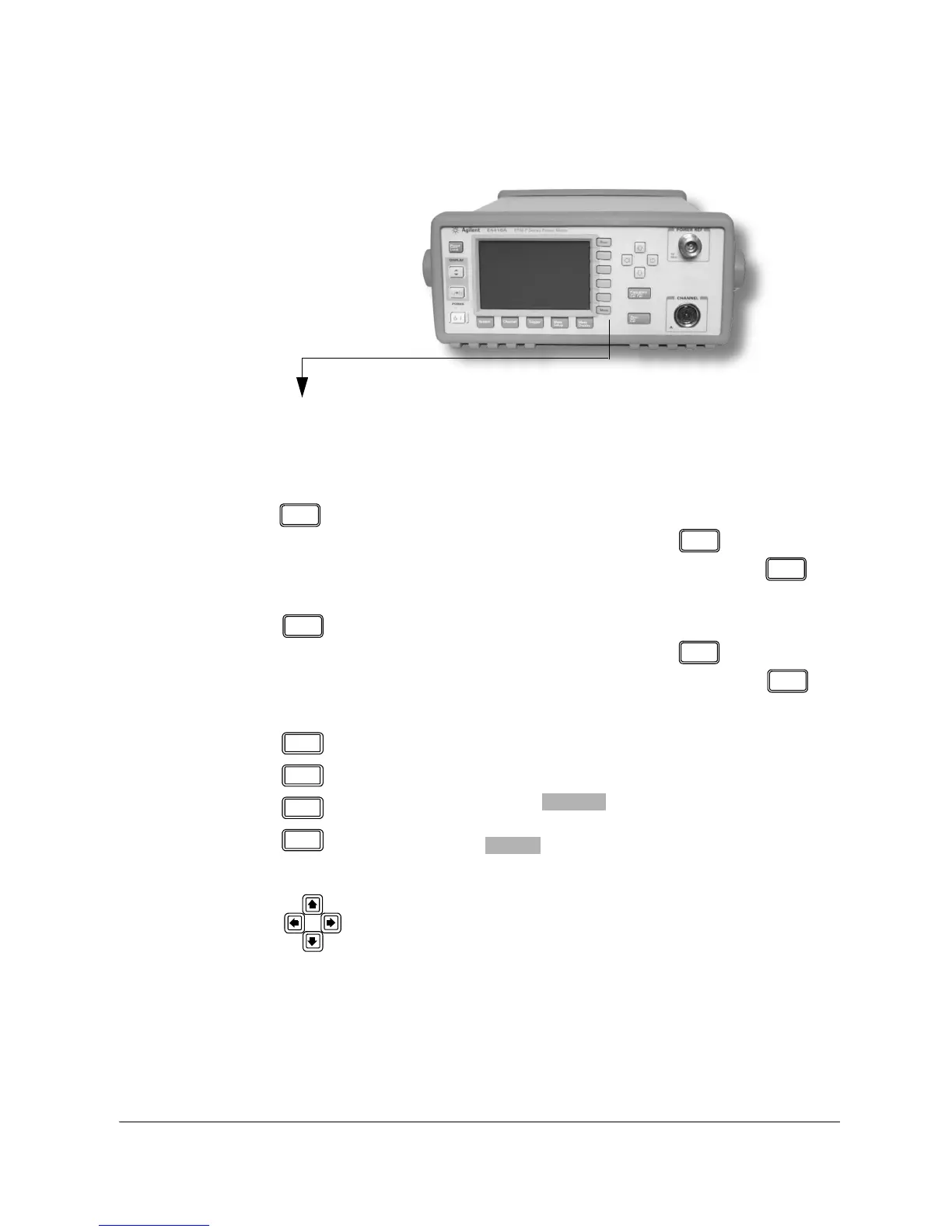
These keys are all associated with the menu labels and data entry. They are
located to the right of the display.
Key
Function
Press this key to access the next pages of a menu. For
example,
1 of 2 displayed beside the key indicates
page one of a two page menu is displayed. Press to
access the second page. (
2 of 2 is displayed.)
Press this key to access the previous pages of a menu. For
example,
2 of 2 displayed beside the key indicates
page two of a two page menu is displayed. Press to
access the previous page. (
1 of 2 is displayed.)
These unmarked keys are called ‘softkeys’ and are referred
to by the text on the display beside them. For example,
during a Preset, a pop-up window asks you to confirm the
command. Press to continue, that is, press the
softkey beside the displayed word ‘confirm’. Similarly,
pressing (the softkey beside the word ‘cancel’)
stops the Preset.
The arrow keys are used to select measurement displays
and to select and change parameters such as instrument
state names and offset values. The user’s guide shows how
these keys are used in more detail.












 To Next Page