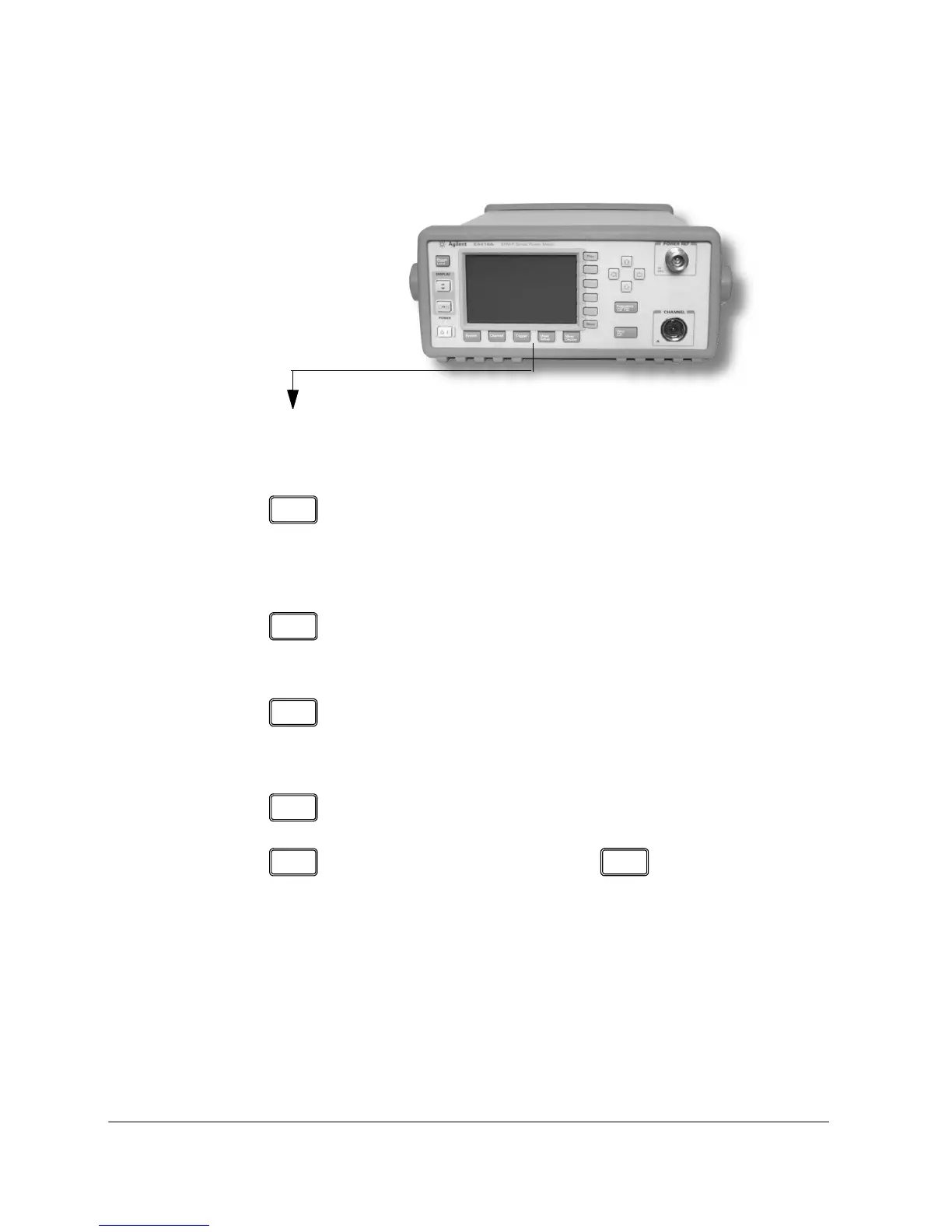
Getting Started Front Panel Keys and Connections
20 EPM-P Installation Guide
These keys are located along the lower edge of the display.
Key
Function
Press this key to access general configuration menus, such
as GPIB address. You can also access some measurement
configuration menus. The measurement screen remains
visible.
Press this key to access the channel configuration tables
and menus. Channel parameters such as averaging and
offsets are configured from this menu.
Press this key to access the triggering menu. Unless an
E-Series E9320A sensor is connected, all the menu keys are
disabled (greyed out).
Use this key to configure the selected measurement.
Use this key together with to configure
measurement displays.












 To Next Page