Getting Started Connecting a Power Sensor
24 EPM-P Installation Guide
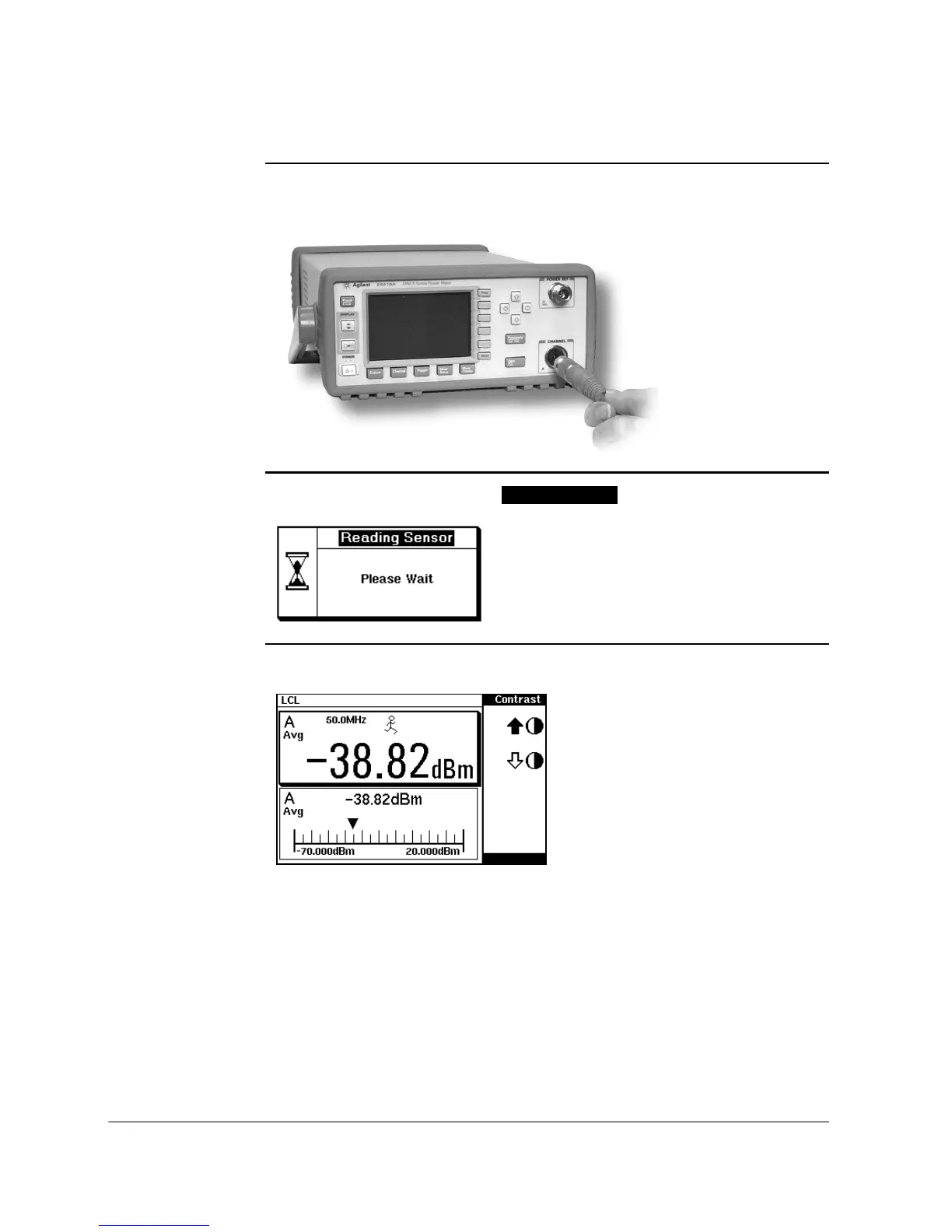
2. Connect the other end of the E9288 Series cable to the CHANNEL A (or
CHANNEL
B) input connector.
3. Confirm the message pop-up appears briefly.
4. Confirm the display has changed to a measurement reading.
Message does not appear when
sensor.
connecting an 8480 Series power
Diagram shows display with
an E-Series E9320 power
sensor connected.












 To Next Page