Troubleshooting 2
Network Analyzer 57
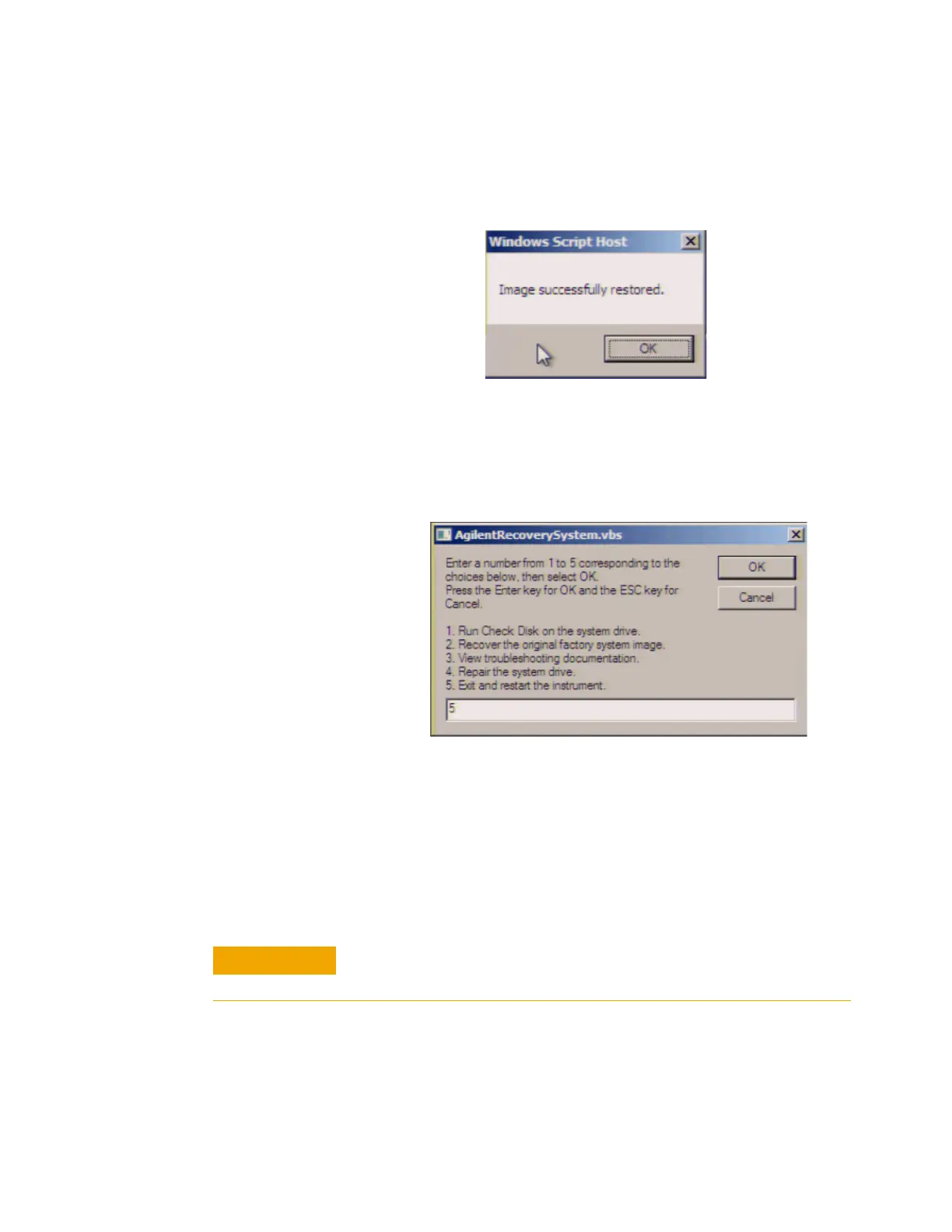
Step 9. Once the recovery process is completed, completion
message prompts. Click OK. The E5061B restarts
automatically.
Step 10. Type 5 to select Exit and Restart the instrument
and press [Enter].
Step 11. After the restart, execute initial registration. For
information on the execution procedure, refer to “Initial
Registration of E5061B" on page 33.
Step 12. Execute the calibration of the touch screen. For
information on the execution procedure, refer to “Calibration of
the Touch Screen" on page 46.
Figure 28 Recovery Option confirmation dialog box
Never turn off the power during the system recovery because doing
so may cause serious damage to the E5061B.













 To Next Page