56 Network Analyzer
2 Troubleshooting
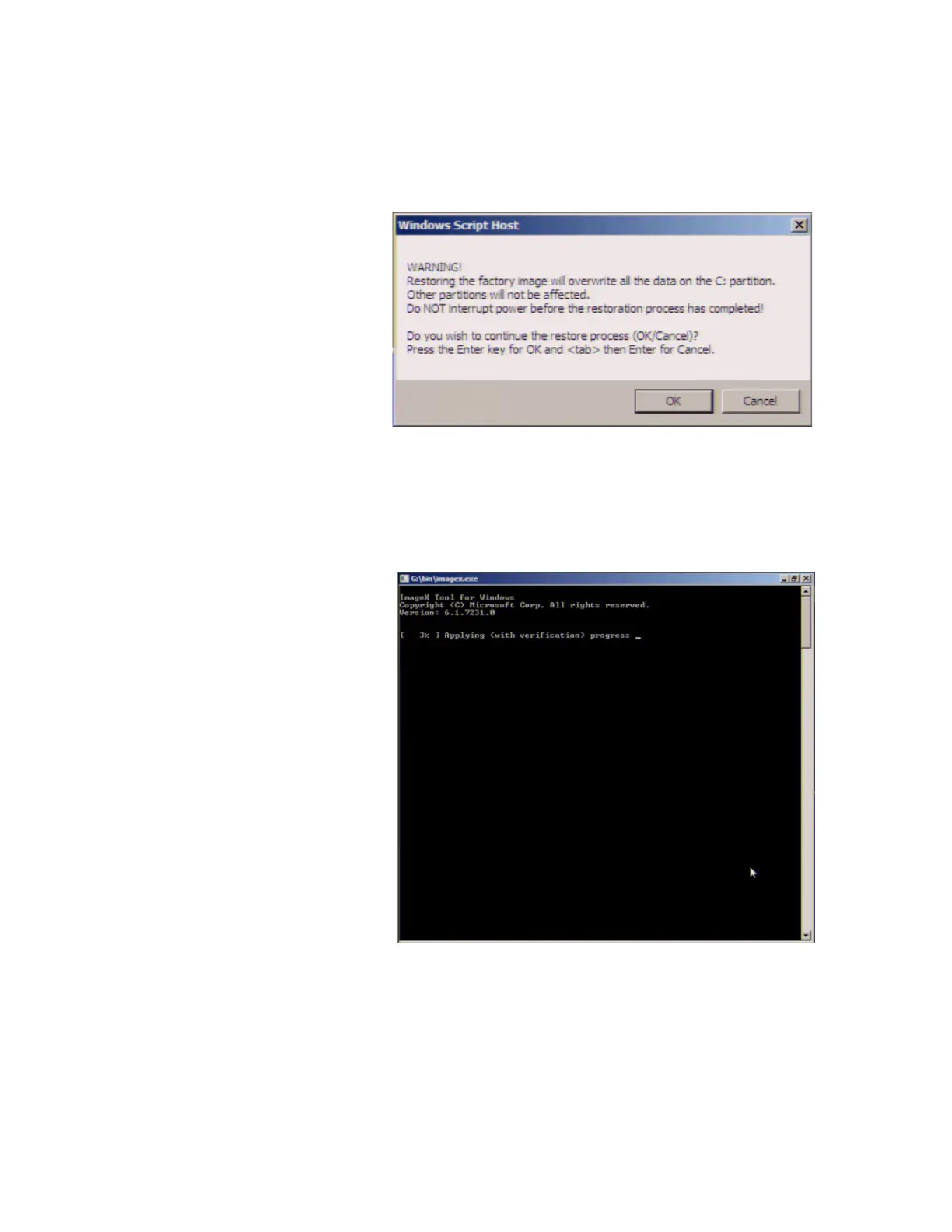
Step 7. A confirmation message appears. Click OK to
continue the process.
Step 8. The progress of the system configuration is
displayed on the screen. The recovery takes a few minutes
depending on the amount of data.
Figure 26 System recovery confirmation screen
Figure 27 System configuration progress screen













 To Next Page