1 Getting Started
30 Keysight U3401A User’s and Service Guide
Measurement related operation
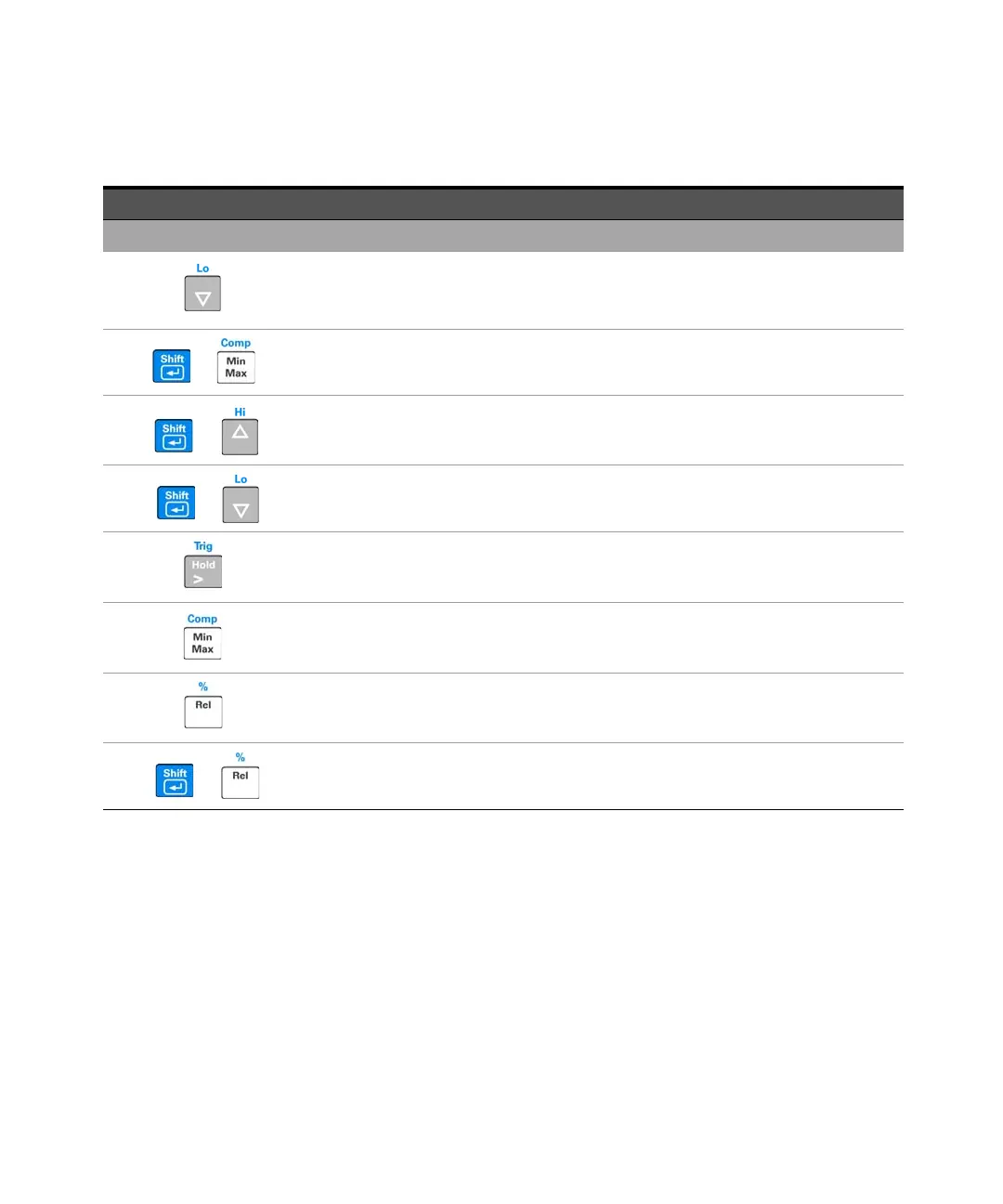
Press to select a lower range and disable autoranigng. See “Selecting a Range” on page 43 for
more information.
+
Press to select Compare math operation.
+
Press to select and set the high limit for Compare math operation.
+
Press to select and set the low limit for Compare math operation.
Press to enable Hold math operation. See “Hold” on page 53 on for more information.
Press to enable the MinMax math operation.
Press to select the Relative math operation.
+
Press to select the Percentage operation.
Table 1-2 Keypad functions (continued)
Key Description



 To Next Page