2 Operations and Features
52 Keysight U3401A User’s and Service Guide
Procedure
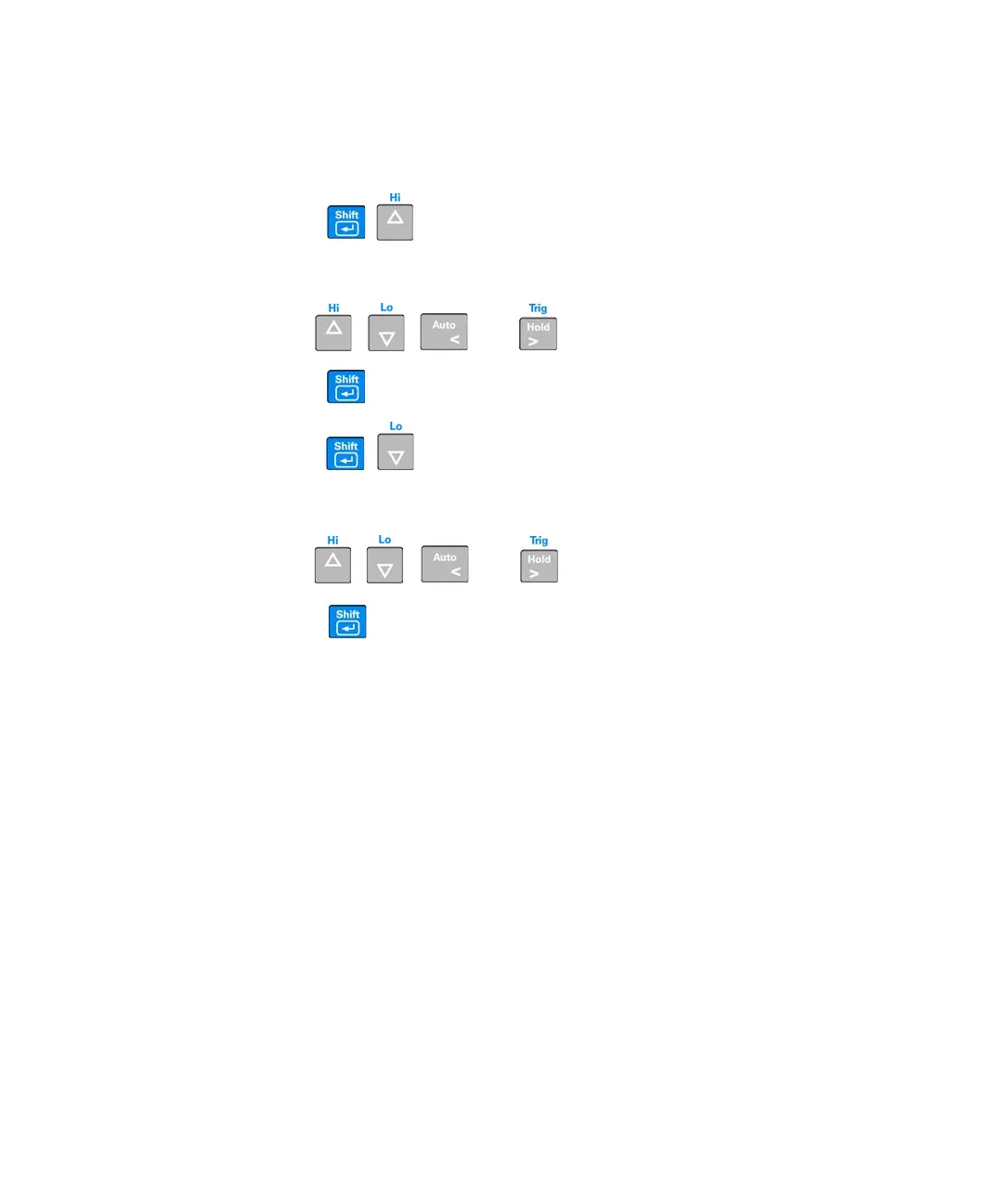
1 Press to enter the upper limit setup mode. The upper limit is
shown on primary display while the HI annunciator is shown on secondary
display.
2 Use , , , and to modify the upper limit.
3 Press to store the specified HI limit value.
4 Press to enter the lower limit setup mode.
The lower limit is shown on primary display while the LO annunciator is shown
on secondary display.
5 Use , , , and to modify the lower limit.
6 Press to store the specified LO limit value.



 To Next Page