10
Weighing operations
Key functions
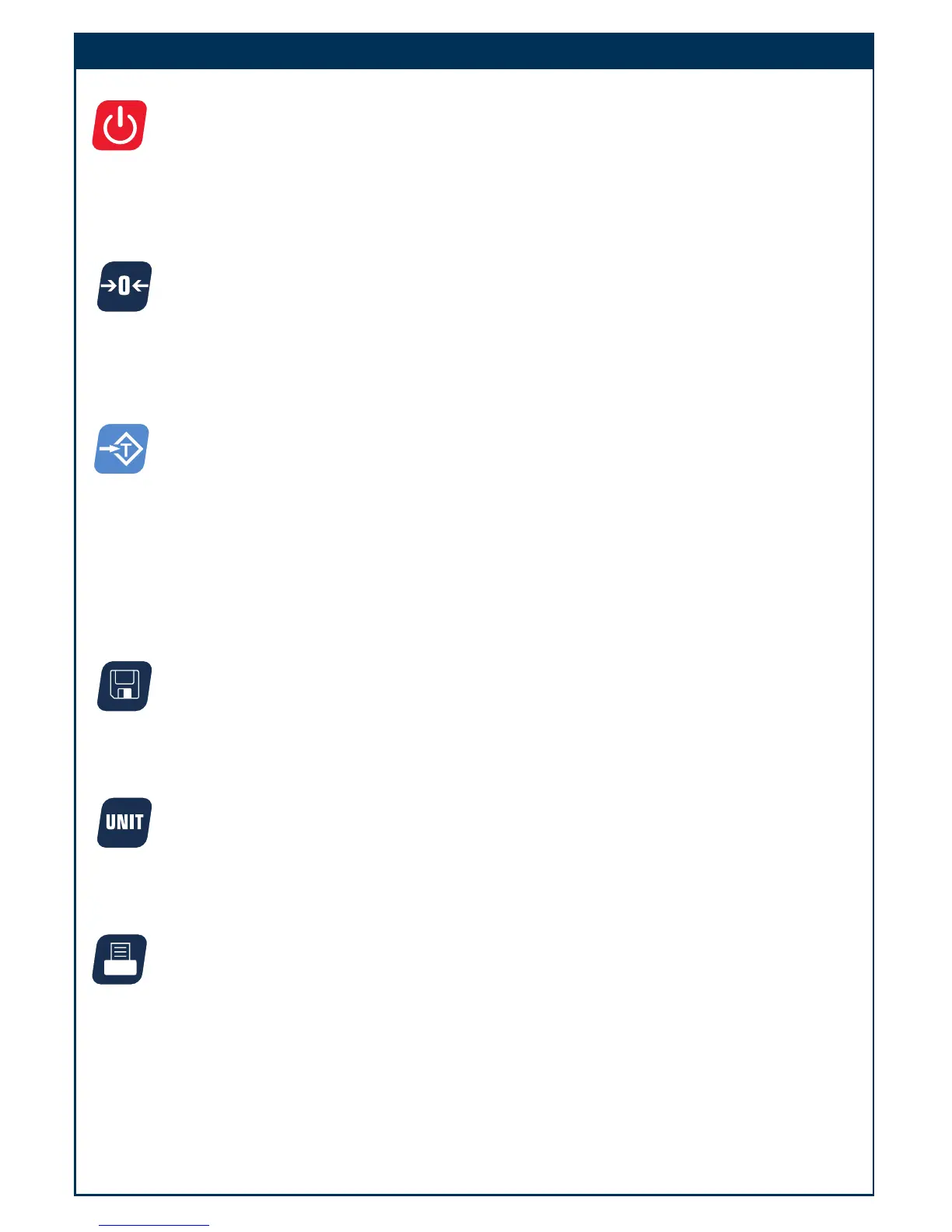
Power on/off
• When the scale is off, first make sure the power switch on the bottom of the right hand side of
the scale is ON. Press on/off key to power on the scale.
• Press on/off for more than 3s to power off the scale.
Zero
• The zero key is used to zero out the small difference on the weight display.
• The scale will display “Err” when the weight to be zeroed is outside the range
• If a tare is set, the ZERO key function is not avalible
Tare
• Weight tare: Place the receptacle (box, bowl etc…) on the scale, and when the reading is stable,
press tare key to tare the weight.
• Key tare: Key in known tare weight and press tare key.
• To clear Zero or Tare, press their respective buttons.
• The tare weight and unit price will be auto cleared after transaction is completed and item has
been removed from the platter.
Save
• When activated, this function will prevent auto clearing of the unit price or tare-weight.
• When active, the save indicator is activated.
Units key
• Use the key to shift between “kg”, “lb” . Note: Unit price will be set to zero during switching
• You cannot switch units when a tare is active.
Print
• Used to transmit the data over the RS232 or USB. When the price has been computed, press
print key output the data via RS232 according to the setting style to make a price label. (see
appendix for layout example)




 To Next Page