9
Key combinations
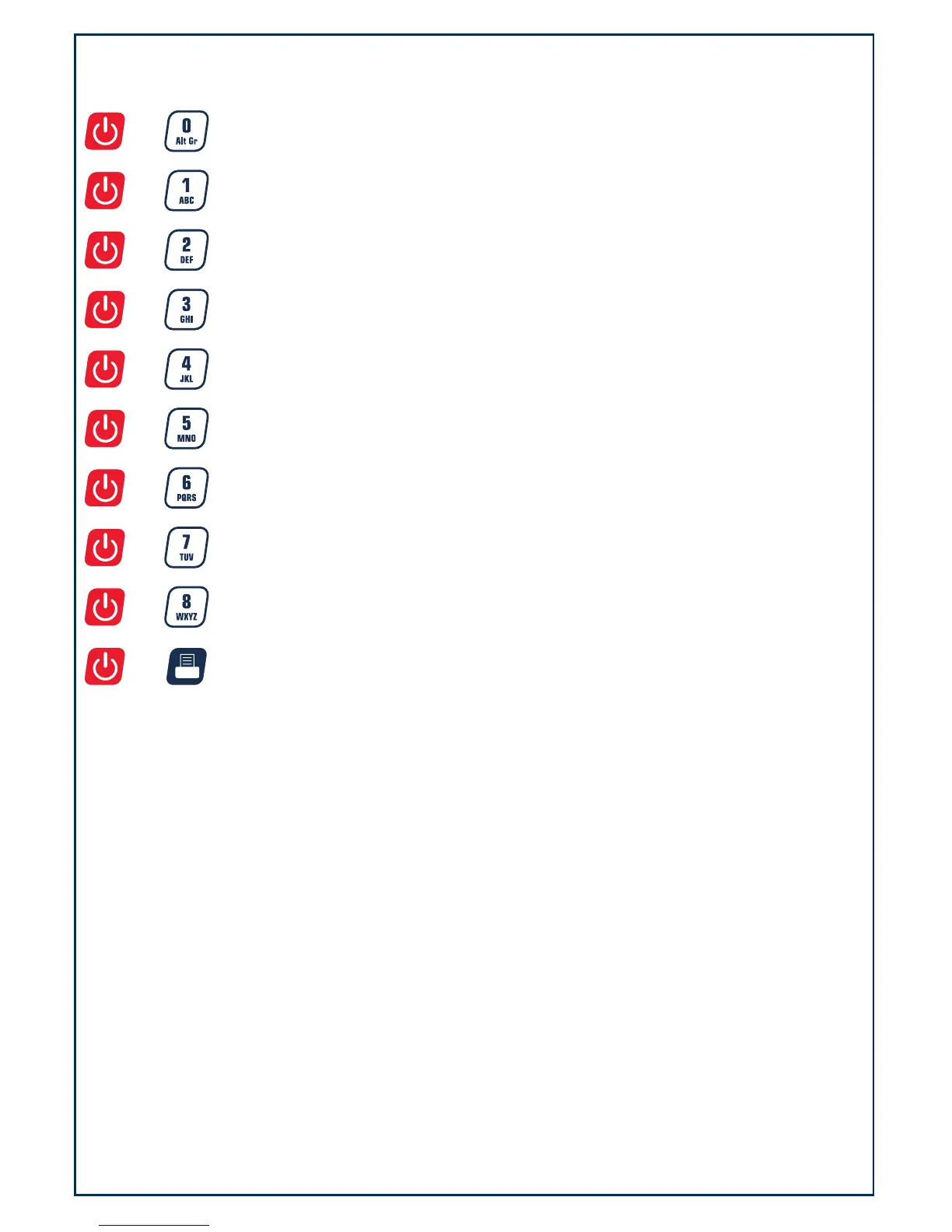
Press both key simultaneously and hold down for more than three seconds.
(for details on these operations, please see their respective sections in the manual)
+
: Used to enter the business’s name setup mode
+
: Used to enter the LCD’s contrast setup mode
+
: Used to enter the auto-off time setup mode
+
Used to display A/D inner code or working voltage
+
: Used to enter RS232 parameters setup mode
+
: Used to enter the date and time setup mode
+
: Used to enter Group Code setup mode
+
: Used to set OS-203/213 Back Feed setup mode
+
Used to enter OS-203/213 Origin setup mode
+
: Enter LCD test mode




 To Next Page