00:00:34 2020-11-27 13:47
2. Connect to the APP
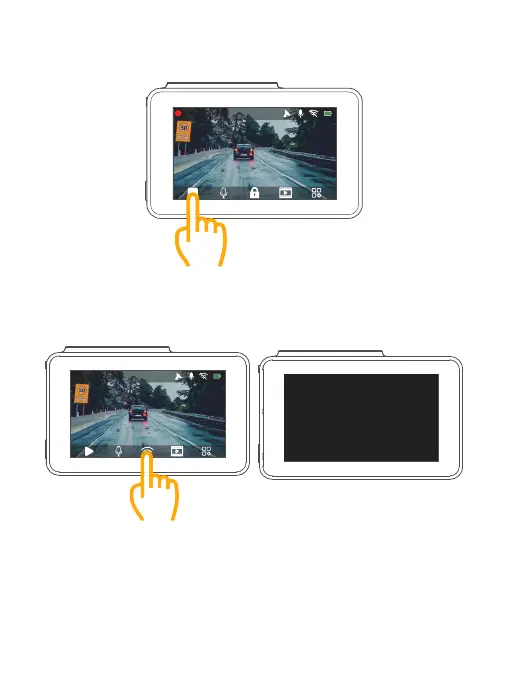
① Stop video recording on the dash cam.
② After pausing video recording, tap the “Wifi” icon on dash cam, wait for 1-2 seconds to
enter Wifi mode (once you quit, the WIFI will be disconnected)
00:00:34 2020-11-27 13:47
WiFi Info
WiFi SSID:
KINGSLIM_47CA
WiFi Password:
12345678
Press POWER key to quit wifi!
25



 To Next Page