Chapter 2 Basic Operation 2-11
2. 4 Replacing Toner Cartridge
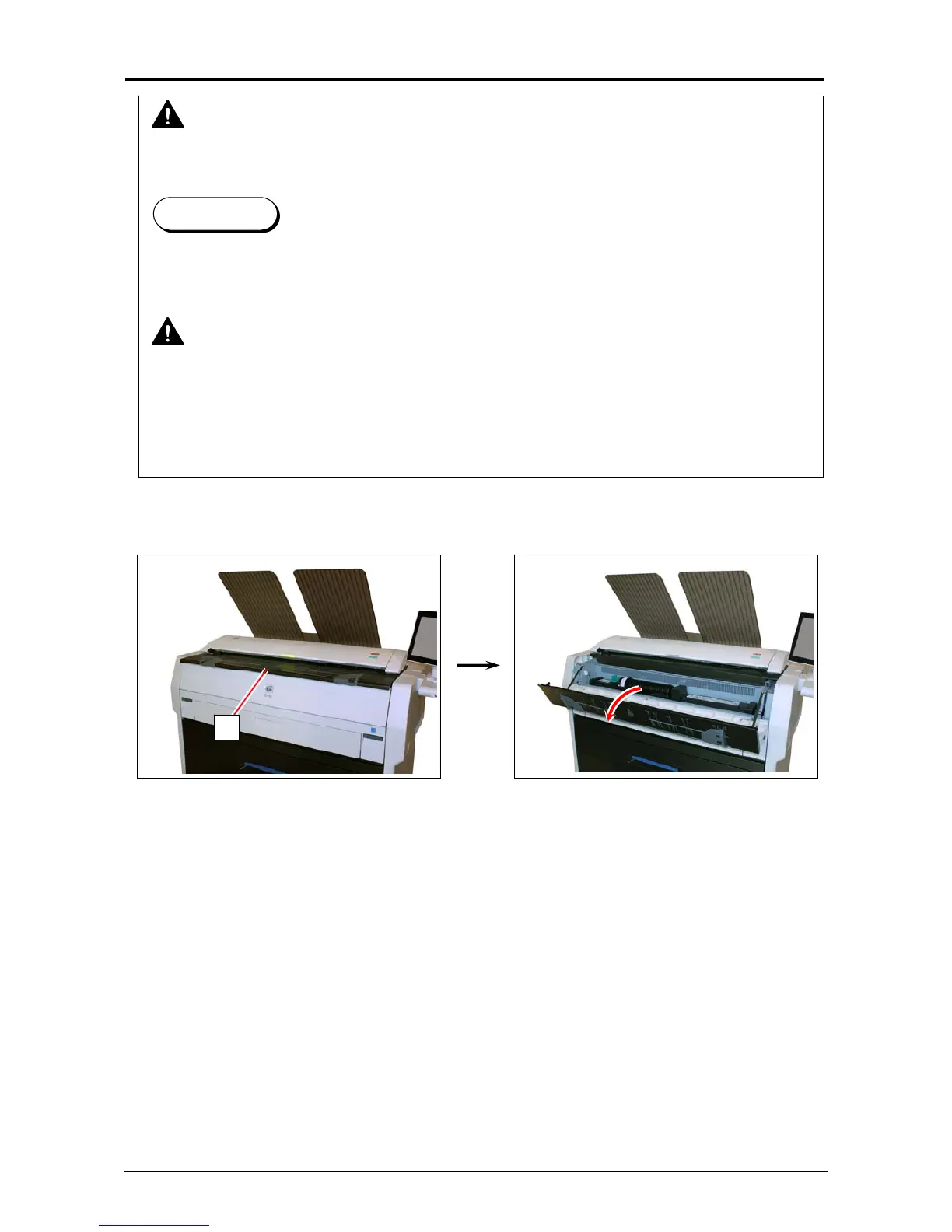
1. Open the Toner Hatch (1).
1
WARNING
There is combustible powder in the toner cartridge.
Do not burn up the used toner cartridge.
Reference
When the toner is empty, the UI Screen will display Toner Empty sign.
Follow the later procedure (or as noted in the UI’s User Guide) to replace the Toner Cartridge
with a new one (genuine).
NOTE
(1) The KIP 7170 will indicate Toner Empty sign if an incorrect toner cartridge or no toner
cartridge is installed to the printer.
(2) At the machine’s installation, some amount of initial toner powders will be supplied to the
machine. Thus Toner Empty sign might appear slightly earlier for the first installed toner
cartridge than usual.



 To Next Page