Chapter 3 Error Correction 3-18
3. 2 Door Open
"xxxx Open" is displayed in the UI screen when the door in each unit is opened.
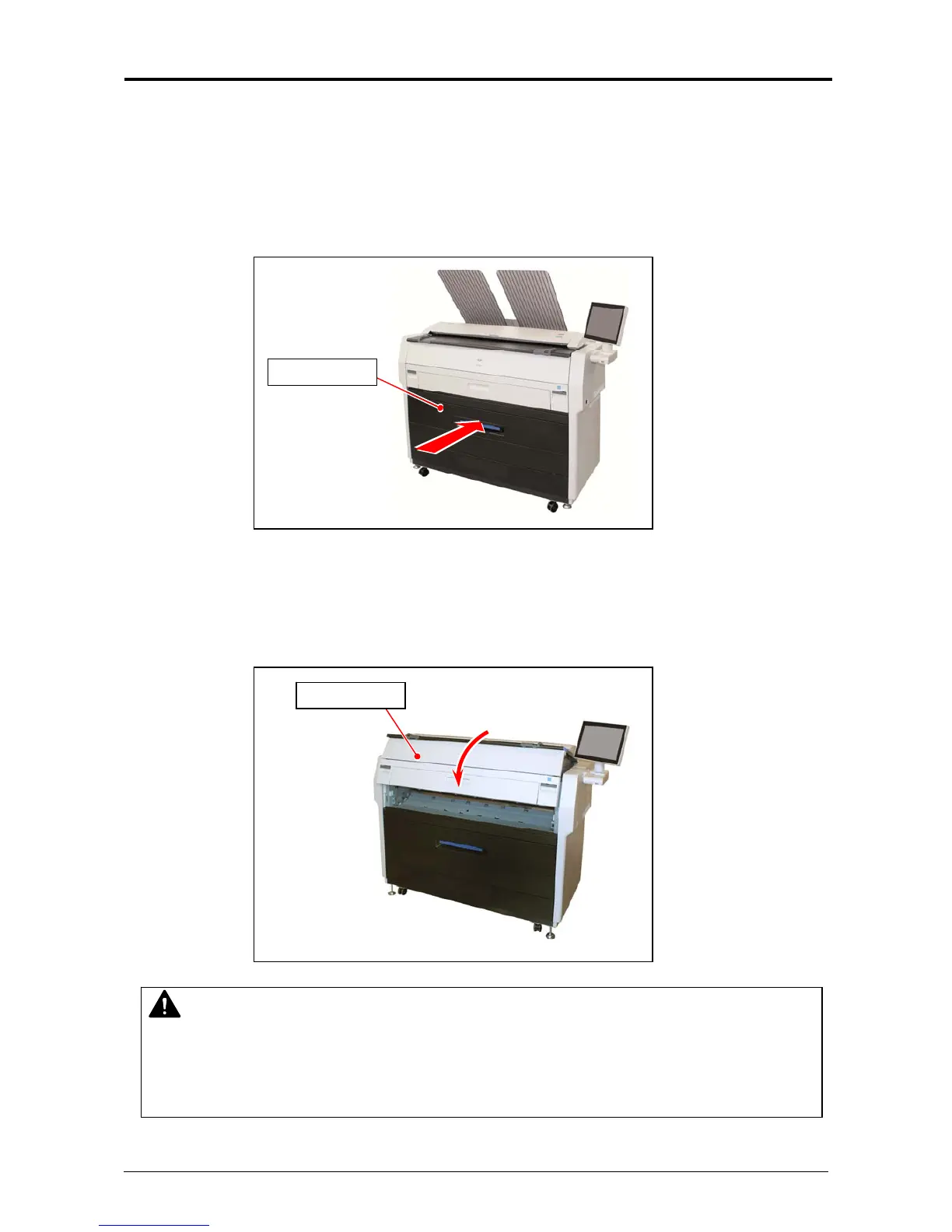
3. 2. 1 Roll Deck (Deck 1 Open)
Close the Roll Deck securely to clear "Deck 1 Open".
3. 2. 2 Engine Unit (Front Cover Open)
Close the Engine Unit securely to clear "Front Cover Open".
Roll Deck
NOTE
There is an interlock switch of the Engine Unit on both sides.
In case that "Front Cover Open" is still displayed even when each door is closed securely,
either interlock switch may be opened.
For this case, open the Engine Unit once, and then close it securely.
Engine Unit



 To Next Page