Chapter 2 Basic Operations 2-2
2. 1 Turning on KIP 7970
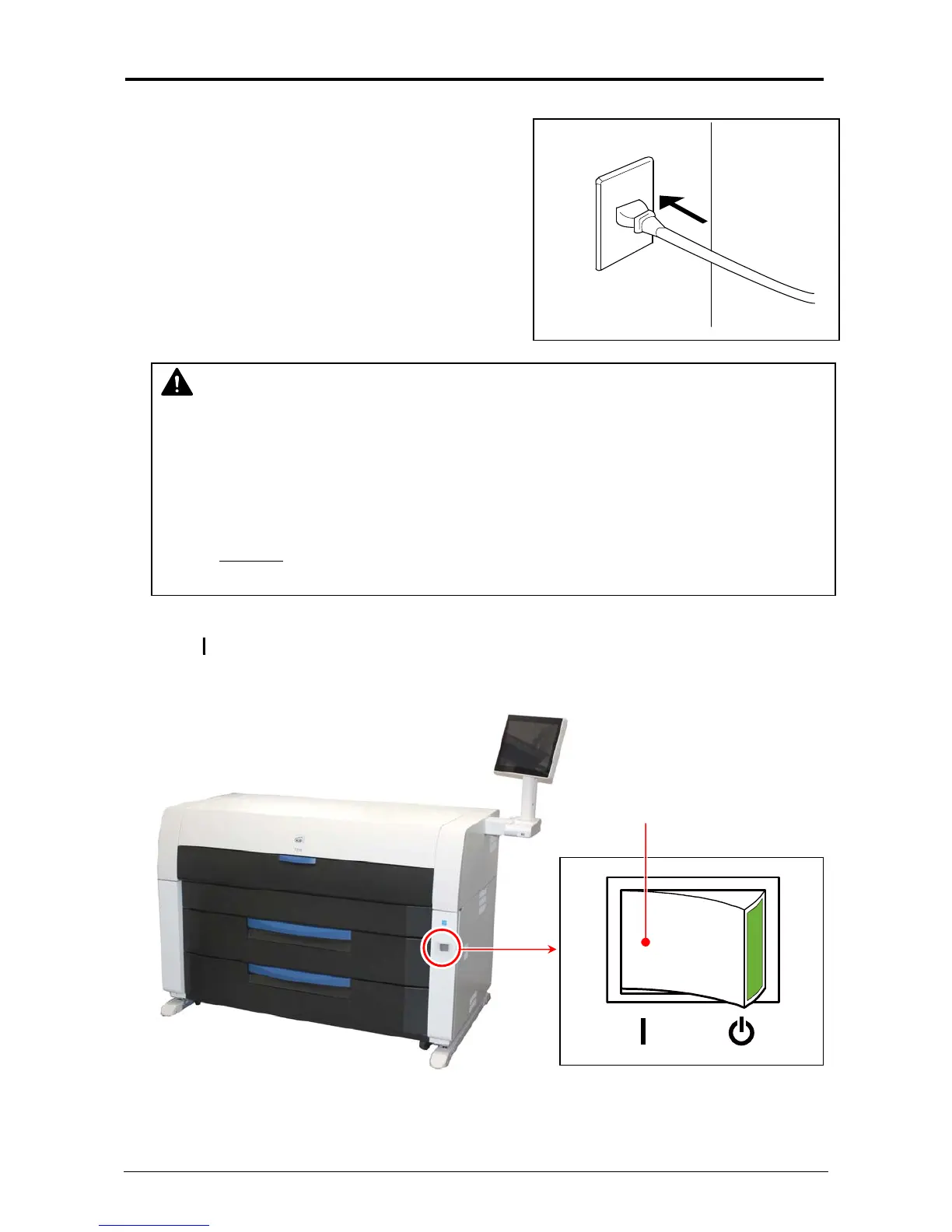
1. Plug the printer into an exclusive wall outlet.
2. There is Power Switch on the right-front of the printer.
Press “ ” side to turn on the printer.
WARNING
(1) Do not handle the Power Plug with wet hands, or you may receive an electrical shock.
(2) Ground the printer for safety.
(3) Do not plug the printer into a multi-wiring connector in which other devices are plugged
into. It may overheat the outlet and may result in a fire.
(4) The OUTLET
must satisfy the following rated power condition.
220V to 240V plus 6% or minus 10%, 50/60Hz, 20A or higher
Press this side.



 To Next Page