Chapter 3 Error Correction 3-22
3. 4 Call Service Errors
If any of the following Error Codes for a significant failure appears in the UI screen;
PLEASE CALL YOUR TRAINED SERVICE PERSONNEL TO RESOLVE THE ERRORS.
No operation should be done by the customer.
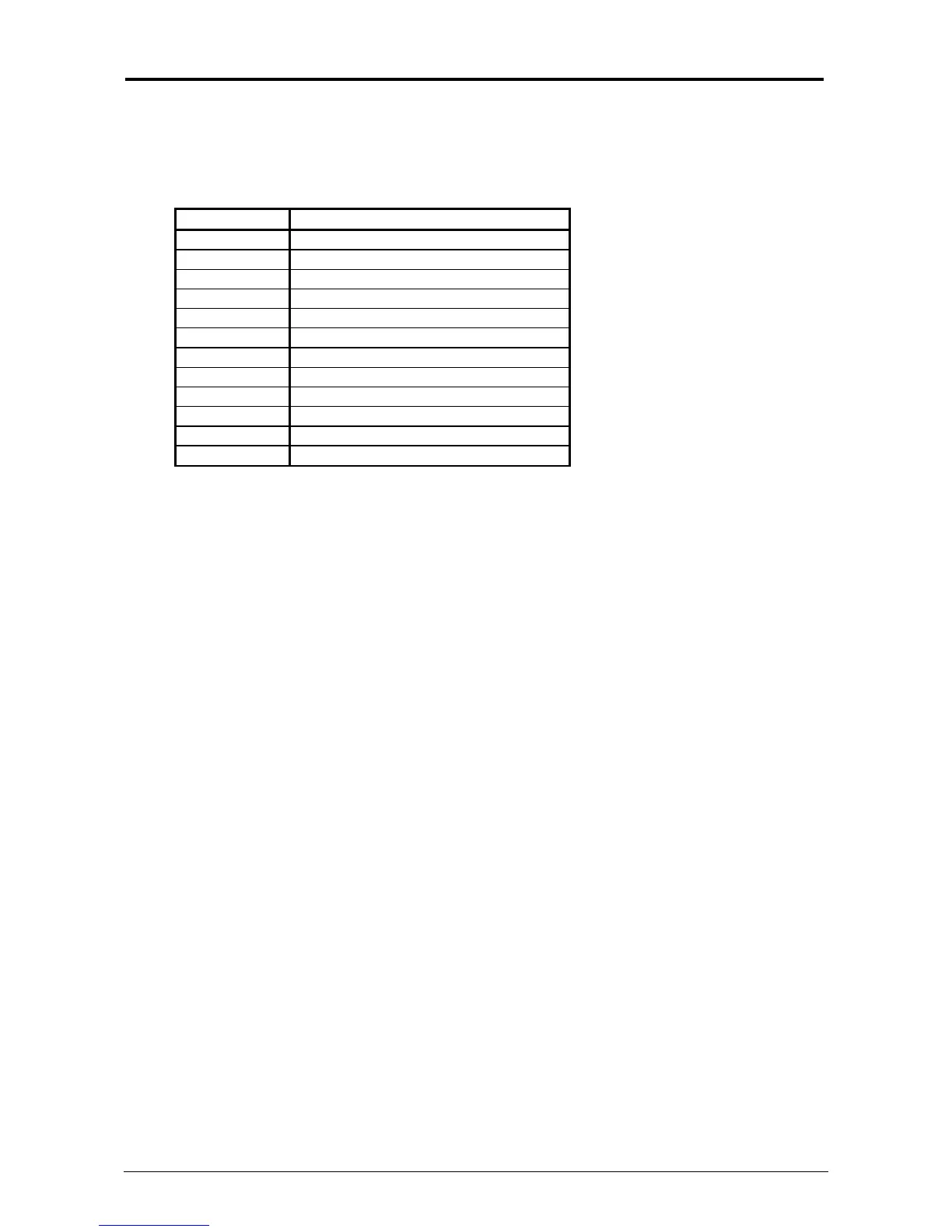
Error Code Name of the error
E - 01 Fuser Temperature Rising Error
E - 02 Fuser Over Temperature Error
E - 03 Main Motor Error
E - 04 Developer Error
E - 06 Counter Error
E - 07 Cutter Error
E - 14 Fuser Motor Error
E - 16 Wire Cleaning Error
E - 21 Fuser Thermostat Error
E - 27 Toner Density Detect Error
E - 40 Outer Device Error
E - 51 High Voltage Power Error
If any of the Error Codes listed above appears;
1. Turn off KIP 7970, and turn it on after an interval of 30 seconds or more.
2. If the same error code appears, turn off KIP 7970, and then unplug the printer from the wall
outlet after an interval of two minutes for KS8 shutdown.
Call your service personnel.



 To Previous Page