Chapter 2 Basic Operations 2-19
2. 7 Dehumidifying Roll Media
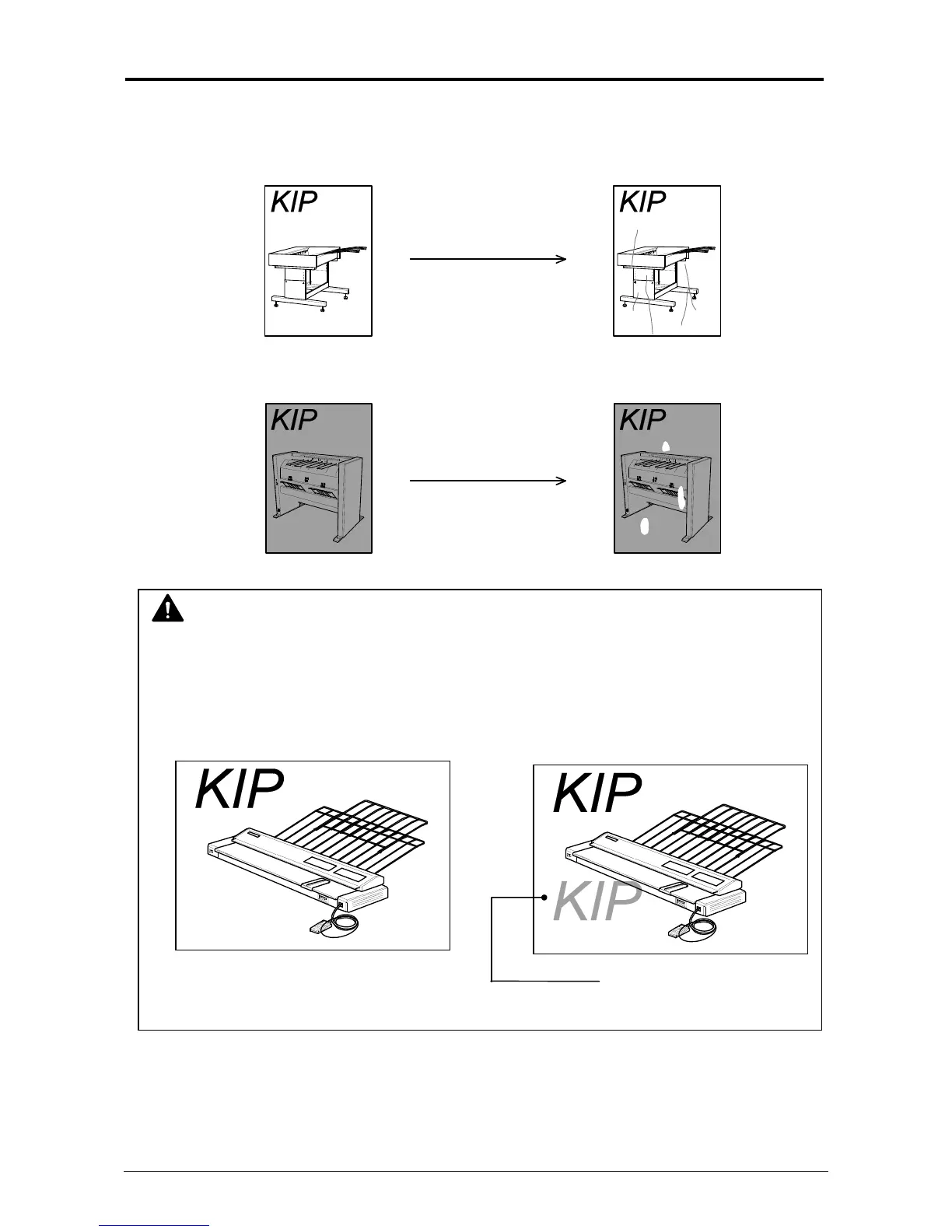
If the roll paper is extremely humid, it may cause poor prints.
You will experience most likely “creasing” and “voids”.
Turn on the Dehumidify Heater if the room air has too much humidity (65% or higher) to prevent
the above kinds of print defect.
You may be able to fix the above kinds of problem.
Normal Print
Normal Print
If the media is humidified;
If the media is humidified;
Creasing
Voids
NOTE
Re-appearance of image (especially solid black image) may occur if you print with a
humidified film.
When film is installed under the high humidity environment (higher than 60%RH), we also
recommend that you turn on the Dehumidify Heater.
Normal print Re-appeared image



 To Next Page