Chapter 3 Error Correction 3-5
3. 1. 2 Manual Feeder Section (J-05)
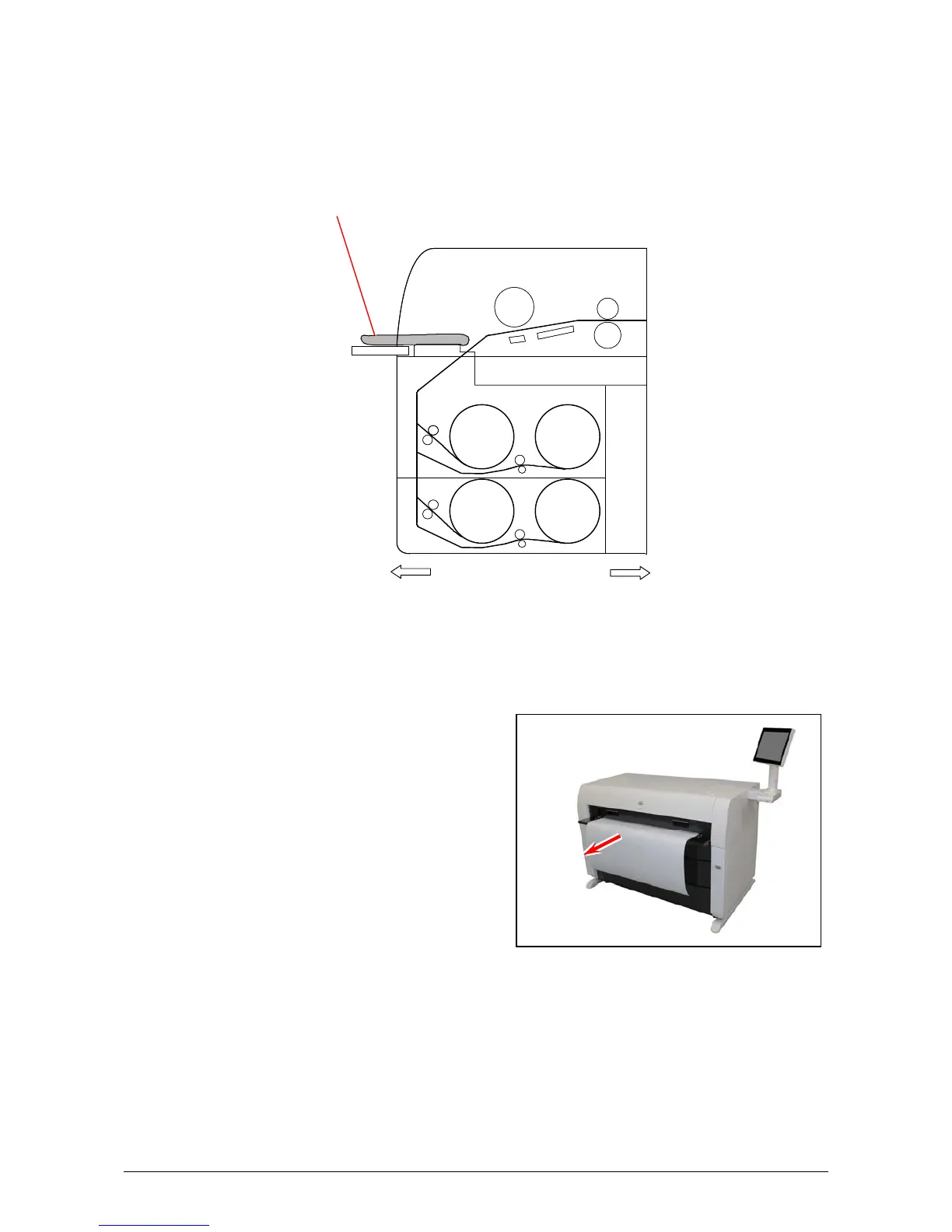
When a Paper Mis-feed occurs in the Manual Feeder, the UI shows J-05.
J-05: Manual Feeder
Clear the Paper Mis-feed using the following procedure:
1. Pull out the Mis-feed paper from the Manual Feeder, and if the leading edge of the paper is torn
or folded, replace it with a new one.
J-05
Roll 1 Roll 2
Front
Rear
Roll 4Roll 3



 To Next Page