Chapter 1 Before Use 1-2
1. 1 Installation Requirements
The following conditions are required for installation of the equipment.
1. Power source should be rated as follows.
220V - 240V plus 6% or minus 10%, 50/60Hz, 20A or higher
2. The equipment must be on an exclusive circuit.
3. The outlet must be near the equipment and easily accessible.
1. Make sure to connect this equipment to a grounded outlet.
2. For PLUGGABLE EQUIPMENT, the socket-outlet shall be installed near
the equipment and shall be easily accessible.
1. The installation site must not have open flames, dust or ammonia gases.
2. The equipment must not be exposed to the air vents from air conditioners.
It may affect the image quality.
3. The equipment should not be exposed to the direct sunlight.
Please draw curtains to block any sunlight.
When you open the Upper Unit to remove a mis-feed, do not expose the
Photoconductive Drum to strong (intense) light as this will damage the Drum.
Ozone will be generated while this equipment is use, although the quantity generated is
within safe levels. (See certifications.)
Ventilate the room, if required.
The site temperature range = 10 to 32 degrees Centigrade, with the humidity between
15% to 85% RH. (NON-CONDENSING)
Keep the printer away from water sources, boilers, humidifiers or refrigerators.
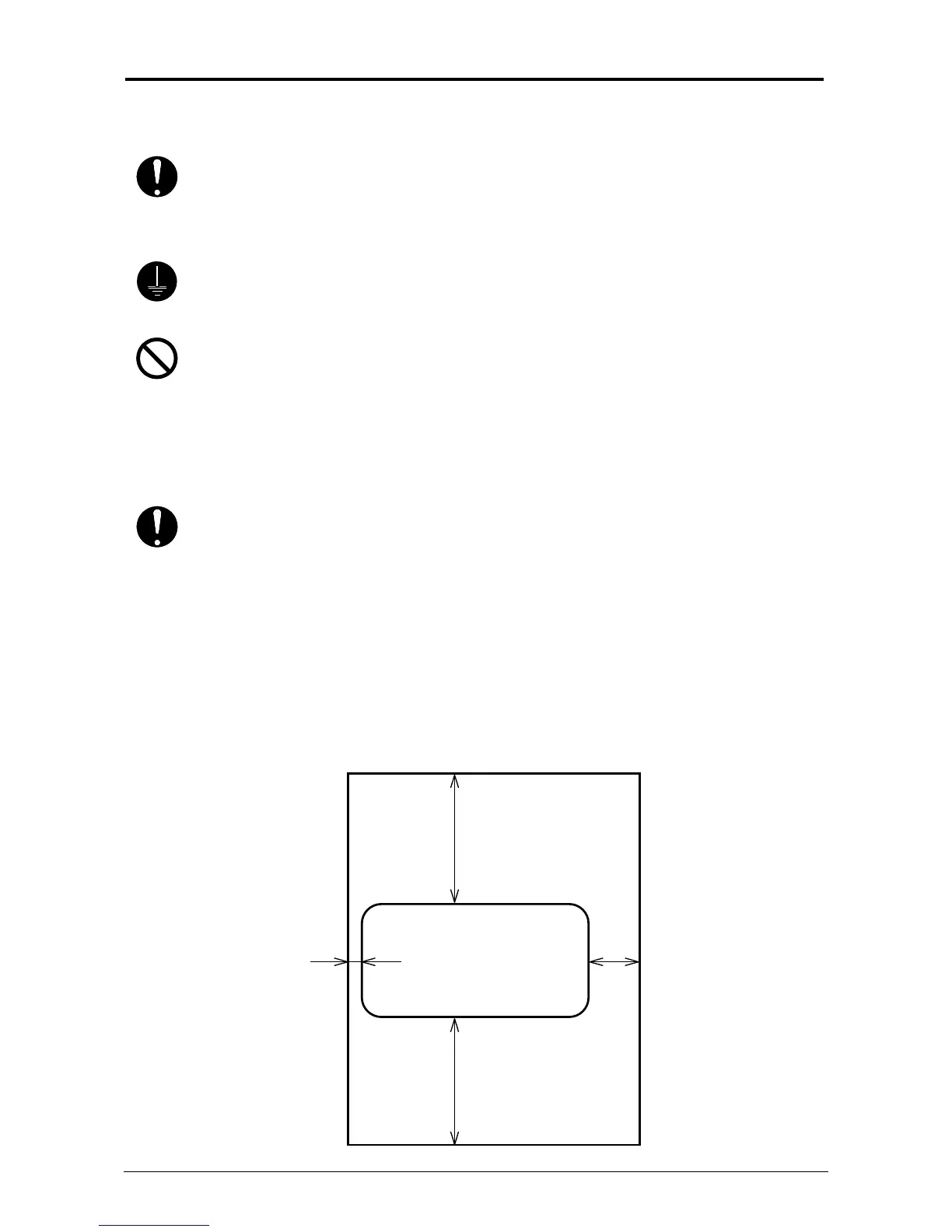
Keep ample room around the equipment to ensure comfortable operation.
(Refer to the following figure.)
The equipment must be leveled and the floor strength must be ample to sustain the
weight of the equipment.
Left: 50mm / 2” Right: 300mm / 12”
or larger or larger
Rear
Front
Printer
800mm / 32” or larger
800mm / 32” or larger



 To Next Page