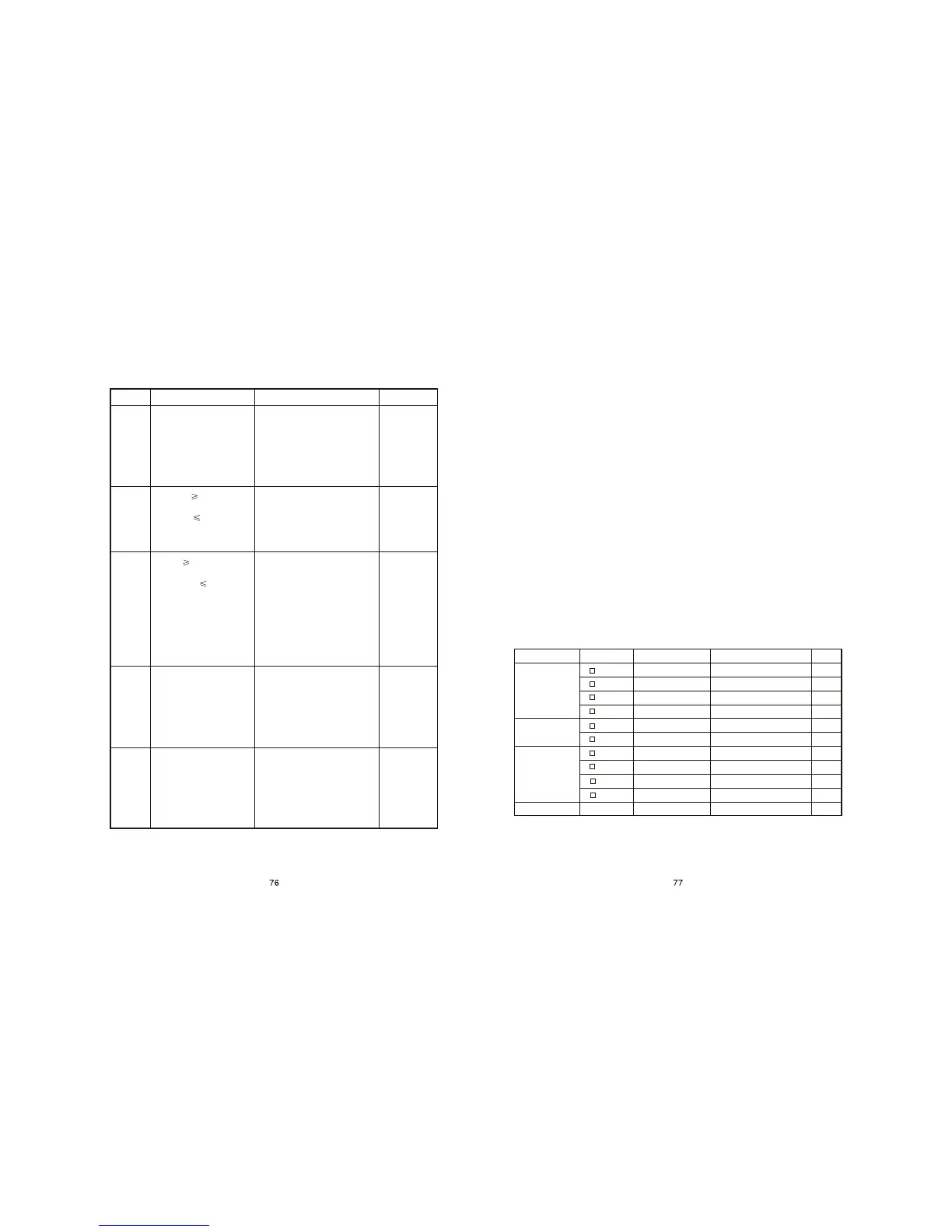
Code display
P-01
P-02
P-03
P-04
P-05
Meaning
6.Check engine oil
7.Check fuel oil
8.Check engine oil sensor
9.Check oil line for air
10.Check connecting wire
Remark
Action to be taken
5.Check oil line for air
6.Check fuel oil
7.Check engine governor
8.
8.Check generator output voltage
9.Check AVR
10.Check generator carbon brush
11.
12.Check transformer unit
13.Check fuel oil
14.Check oil line for air
6.Check load for overloading
7.
8.Check generator
9.Check current transformer
10.Check oil line for air
Check frequency of generator output voltage
Check generator sampling winding
Check output circuit for short circuit
6.Check battery
7.Check charger
8.
9.Check fuel oil
10.Check oil line for air
Check charging generator (flywheel generator)
Fault code display and actions to be taken (default for 5 KW special requirement
in North America)
Insufficient engine oil pressure.
Sustain for 5 seconds, then
stop
Frequency 65 Hz. Sustain
for 3 seconds, then stop.
Frequency 57 Hz Sustain
for 20 seconds, then stop.
Voltage 132V (264V),
Sustain for 3 seconds, then
stop. Voltage 105V (210V),
Sustain for 20 seconds, then
stop
Overloading: Load exceeds
rated 21.2A, sustain for 60
seconds, then stop. Load
exceeds rating, in 19.2A-
21.2A, sustain for 60 min.
then stop
Charging fault, display with-
out protection
Note:
(1) At protection of generating set the protected object and protection code are
displayed alternately in display window.
(2) When protection stopping happens, you can press key FUN to inquire the
parameters before protection.
(3) Do not remove battery during generating set running, otherwise the electrical
device may be damaged.
(4) When stopping happens due to burn-out of fuel oil, the protection of P-01, P-
02, P-03, P-04, P-05 will happen because of air in oil line. The air would be
discharged completely after several times of restarting. If necessary, the oil line
should be treated with air-bleeding for normal running of generating set. After
starting the generating set may run unstably. Run generating set without load for
5 min., then the generating set will resume to normal running.
(5) When start with insufficient electricity of battery, the display screen may be
abnormal and the generating set will not start. Charge the battery or replace with
a new battery.
(6) The DIP switches on panel are set in factory. Do not vary the settings by
unprofessional person. If varied, the panel would not work abnormally.
5.4 Parameter setting list
Three-phase output
Output frequency 60 Hz
Output frequency 50 Hz
Output voltage 115V
Output voltage 120V
Output voltage 230V
Output voltage 240V
Rated current
Item Display
Toggle switch
Meaning
Remark
Phase number
setting
Frequency
Output voltage
PH-1
PH-2
PH-2
PH-3
F-60
F-50
U-115
U-120
U-230
U-240
I____
Rated current
DIP4 ON, DIP5 ON
DIP4 OFF, DIP5 ON
DIP4 ON, DIP5 OFF
DIP4 OFF, DIP5 OFF
DIP1 ON
DIP1 OFF
DIP2 ON, DIP3 OFF
DIP2 OFF, DIP3 OFF
DIP2 ON, DIP3 ON
DIP2 OFF, DIP3 ON
Double voltage simultaneous output
Single phase single voltage output
Double voltage selected output


 To Next Page