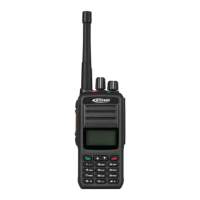
4.8 LED Indication
Red Indicator glows:the radio is transmitting.
Green Indicator glows: the radio is receiving signals (speech message, text message and data) or it
detected activity on the channel.
Orange indicator glows: orange indicator glows during the call hang time in digital mode or auto reset time
in analog mode.
Orange indicator flashes: the radio is in emergency state or is receiving emergency alarm; missed call alert;
the radio is scanning; the radio is roaming.
Red indicator flashes: the radio is in low power.
5 Initiating/Receiving a Call
5.1 Initiating a call to the default contact
If default contact is preset on the current channel, you can press the PTT key direct to initiate a call to the
default contact
You can preset a default contact on each digital channel via dealer
5.2 Selecting the Contact and Initiating a Call
Enter the “contact” menu and select a contact in the contact list; press the PTT key to talk
5.3 Dialing Manually and Initiating a Call
Enter the contact menu and select “manual dial” to enter the call ID before pressing PTT key to initiate a
call.


 To Next Page