7.3 Retrieving/erasing the temperature memory
The temperature memory records the temperature from
the moment the target temperature is reached.
Restarting the unit resets the temperature memory.
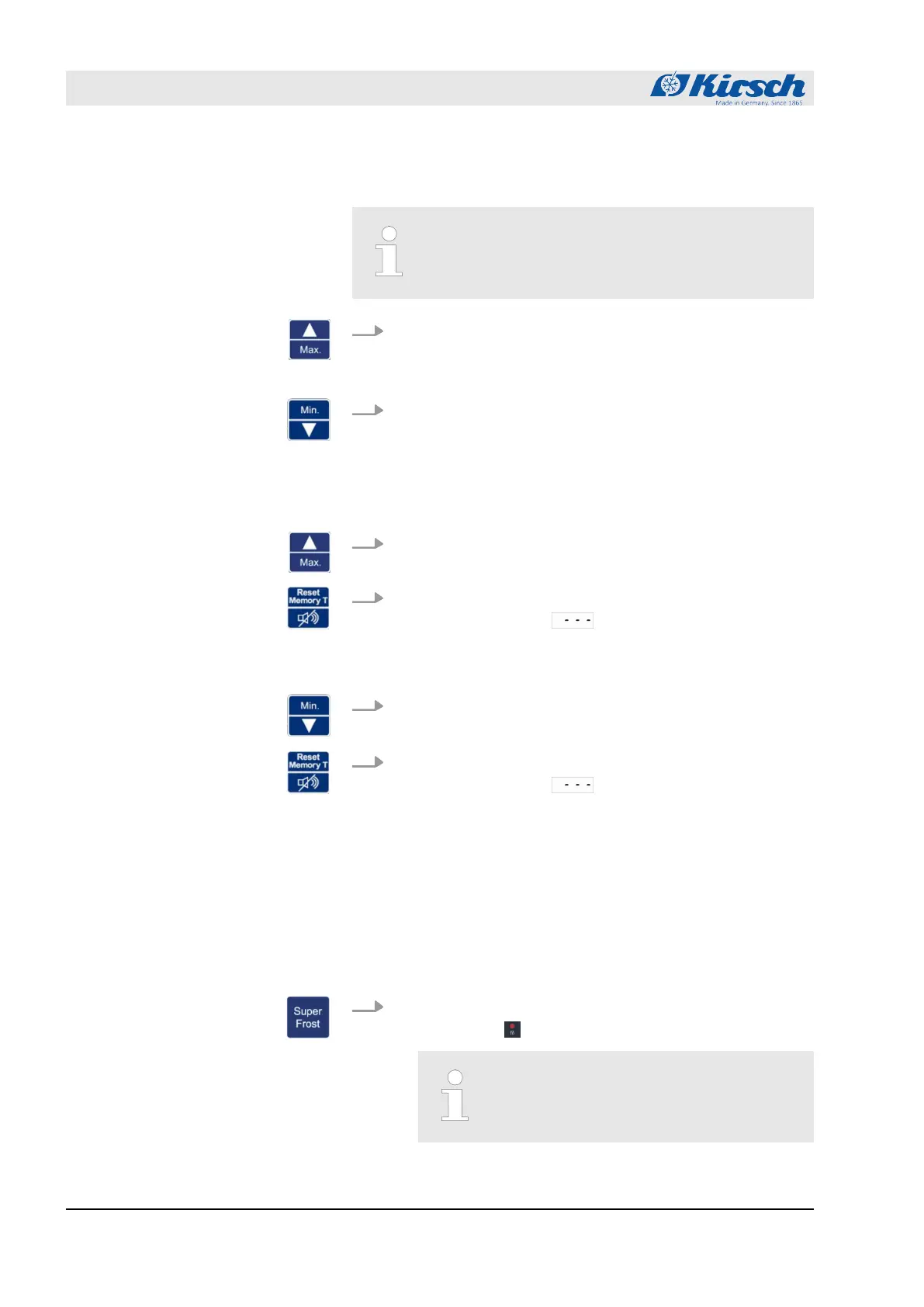
1. Press the [Max.] key.
ð
The maximum value of the temperature memory is dis-
played.
2. Press the [Min.] key.
ð
The minimum value of the temperature memory is dis-
played.
1. Press and hold the [Max.] key.
2. Press the [Reset] key.
ð
The Display shows .
The maximum value of the temperature memory is
erased.
3. Press and hold the [Min.] key.
4. Press the [Reset] key.
ð
The Display shows .
The minimum value of the temperature memory is
erased.
7.4 Switching on the SuperFrost function
The lower temperature warning limit of the unit is set to the lowest
value
Ä
Chapter 6.2.2 ‘Temperature warning limits’ on page 39.
1. Press button [SuperFrost].
ð
LED display lights up.
The SuperFrost function runs for 12 hours
and ends automatically.
Retrieving the temperature memory
Erasing the temperature memory
Switching on SuperFrost
Operation
Switching on the SuperFrost function
23.05.2023Refrigerator/freezer MED series44



 To Next Page