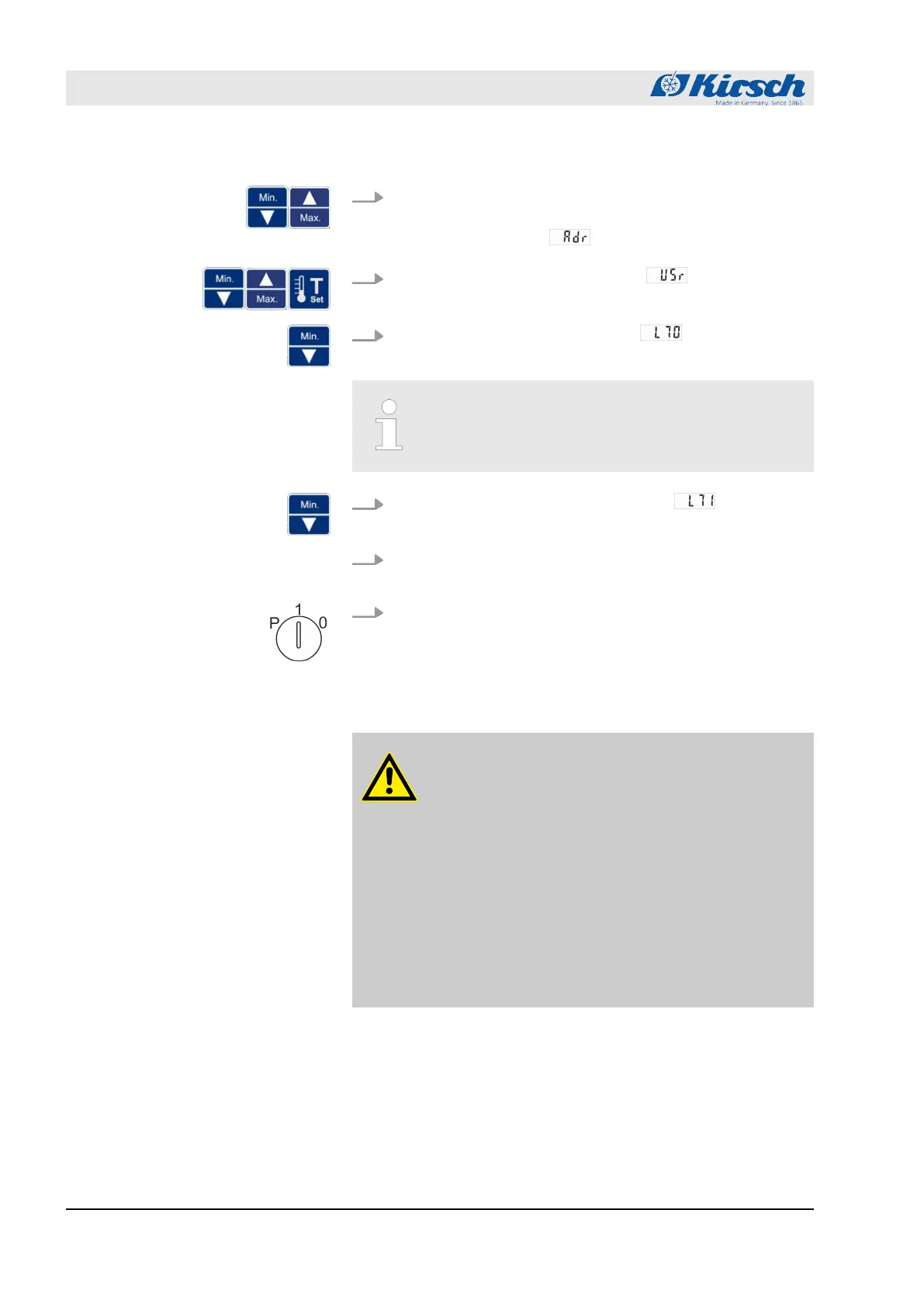
3. Press and hold [Max.] and [Min.] simultaneously for four sec-
onds.
ð
The display shows .
4.
Press [Max.] and [Min.] to go to level and confirm with
Set.
5.
Press [Min.] to select the parameter .
ð
The first digits of the MAC address are displayed.
The first two displayed digits “00” are not part of the
MAC address.
6.
Press [Min.] to select the next parameter .
ð
The next digits of the MAC address are displayed.
7. At levels L72 to L75, repeat step 5 until the MAC address has
been completely read out.
8. Set key switch to “1” to complete your input.
ð
The MAC address has been read out.
7.7 Stocking the unit
CAUTION!
Before stocking, safeguard the cooling chain!
The unit is used for commercial storage of pharmaceut-
icals, vaccines and pharmaceutical ingredients that
require cooling in line with the specifications of the
respective manufacturers. If the cooling chain of the
chilled goods is interrupted before stocking, the pre-
scribed storage conditions are no longer met.
– Do not subject chilled goods to light.
– Do not place chilled goods near radiators.
– Make sure that chilled goods are stored according
to the specifications of the relevant manufacturer
before stocking the unit.
Operation
Stocking the unit
23.05.2023Refrigerator/freezer MED series52



 To Next Page