2. Press button [SuperFrost] again.
ð
The SuperFrost function is deactivated.
3. Adapt lower temperature warning limit to the target tempera-
ture
Ä
Chapter 6.2.2 ‘Temperature warning limits’
on page 39.
7.5 Data reading-out on the unit with PC-KIT-STICK
The refrigerator has the option of exporting the stored data to a
commercially available USB stick (max. 32 GB, formatted in FAT
32 format). In this case a .JSN file is stored on the stick, which can
then be imported into KIRSCH-Datanet (beginning from version
5.0) using the procedure described below. To save the data to the
USB stick, proceed, as follows:
NOTICE!
The internal temperature memory records the data for
up to 90 days. Therefore, regular reading-out of the
data is necessary in order to avoid data gaps. We rec-
ommend to regularly read out the data, for example,
weekly or monthly.
NOTICE!
The data transfer can also be carried out at the turned-
off (standby) mode.
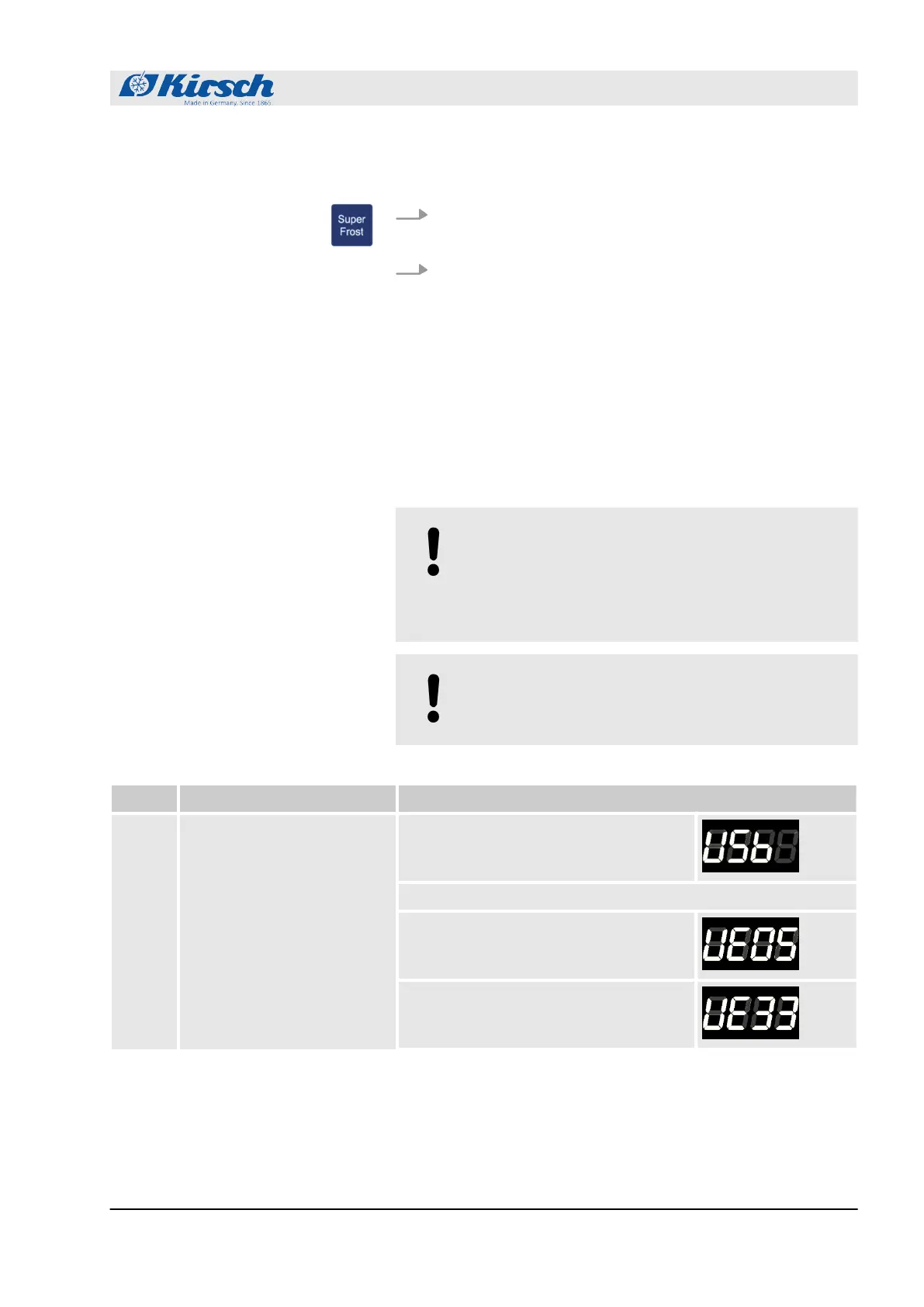
No.: Instruction Display
1 Plug the USB stick in Wait until the following message appears:
The controller is ready to transfer the data (go to 2.)
The USB stick is full. Please empty the
stick or use another one.
USB stick error when accessing file
system or Error occurred while initializing
the file system. Please use another stick
Manually ending SuperFrost
Save data on USB
Operation
Data reading-out on the unit with PC-KIT-STICK
23.05.2023 Refrigerator/freezer MED series 45



 To Next Page