16
TROUBLESHOOTING
1
2
3
4
5
6
7
3
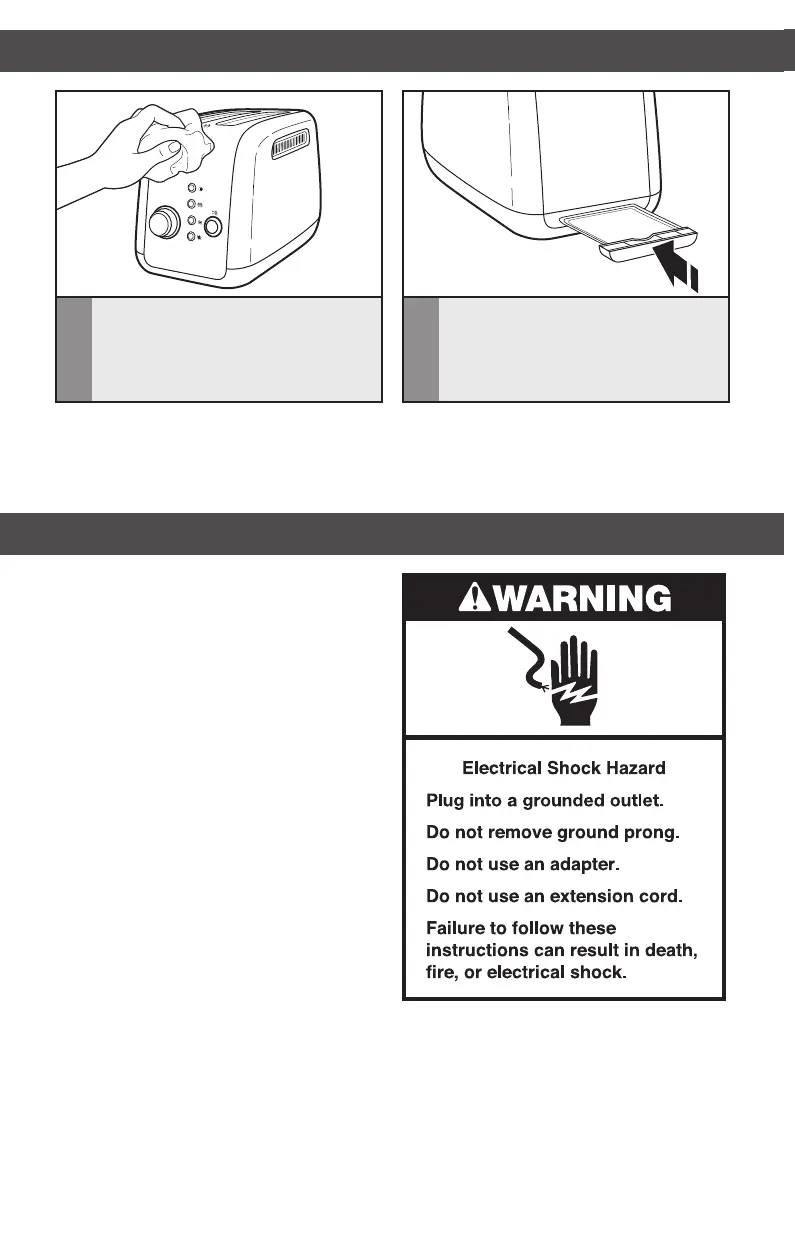
Wipe Toaster with a soft, damp cotton
cloth. Do not use paper towels,
abrasive cleansers or liquid cleaning
products. Do not immerse Toaster
in water.
4
Return crumb tray to Toaster. Press it
in firmly until it clicks into position. Do
not use the Toaster without the crumb
tray in proper position.
NOTE: If grease or oil splatters on the Toaster, wipe splatters away immediately using a
clean, damp cotton cloth.
NOTE: KitchenAid does not recommend the use of a toaster cover.
• If your Toaster should fail to operate,
check the following:
1. Check that the Toaster is plugged
into a proper electrical outlet. If it is,
unplug the Toaster.
2. Plug in Toaster.
3. If the Toaster still does not work, check
the household fuse or circuit breaker.
• If the problem cannot be corrected:
See the “Warranty and service” sections.
CARE AND CLEANING
WARRANTY AND SERVICE
W10625929B_ENv1.indd 16 11/20/13 11:27 AM


 To Next Page
 Loading...