11
U
sing and Caring for Your
Cooktop
Using the surface cooking areas
This section tells you how to operate the controls to the cooktop. It also discusses how
the ceramic glass cooktop works, and includes tips on how to cook with and maintain
the cooktop.
HOT CHAUD
(“CHAUD”
is French
for “HOT”)
wWARNING
Fire Hazard
Turn off all controls when done
cooking.
Failure to do so can result in death
or fire.
Control setting guide
For best results, start cooking at the high
setting; then turn the control knob down to
continue cooking.
SETTING RECOMMENDED USE
HI • To start foods cooking.
• To bring liquids to a boil.
6MED HI5 • To hold a rapid boil.
• To fry chicken or
pancakes.
MED • For gravy, pudding, and
icing.
• To cook large amounts
of vegetables.
3MED LO2 • To keep food cooking
after starting it on a
higher setting.
LO • To keep food warm until
ready to serve.
FRONT
Control knobs
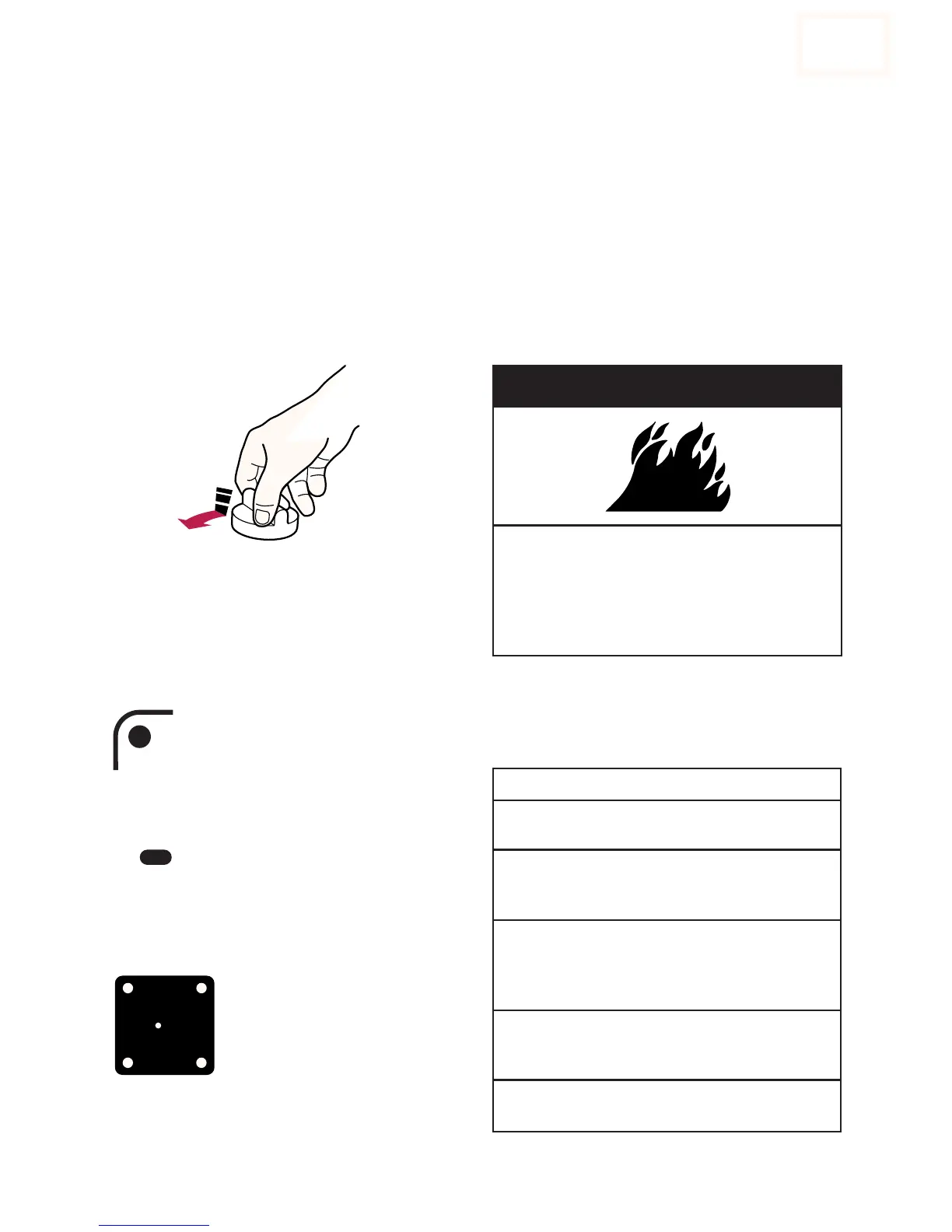
Push in control knobs before turning them
to a setting. Set them anywhere between HI
and OFF.
Surface cooking area markers
The solid dot in the surface cooking area
marker shows which surface
cooking area is turned on by
that knob.
Power on lights
When you use a control knob to turn on
a surface cooking area, the Power
On Light by that knob will glow.
Hot surface indicator lights
The Hot Surface Indicator Lights on the
cooktop surface will glow
when any of the surface
cooking areas are hot. The
Indicator Lights will continue
to glow as long as the surface
cooking areas are too hot to
touch, even after they are
turned off.







 To Next Page