33
Using and Caring for Your Oven
Adjusting the oven temperature
Although your new oven is properly adjusted
to provide accurate temperatures, it may
cook faster or slower than your old oven.
If, after using the oven for a period of time,
you are not satisfied with the baking/roasting
results, you can change the offset tempera-
ture by following the steps below. The
control will “remember” the selected offset
even after the power has been interrupted
or lost. To change the offset temperature:
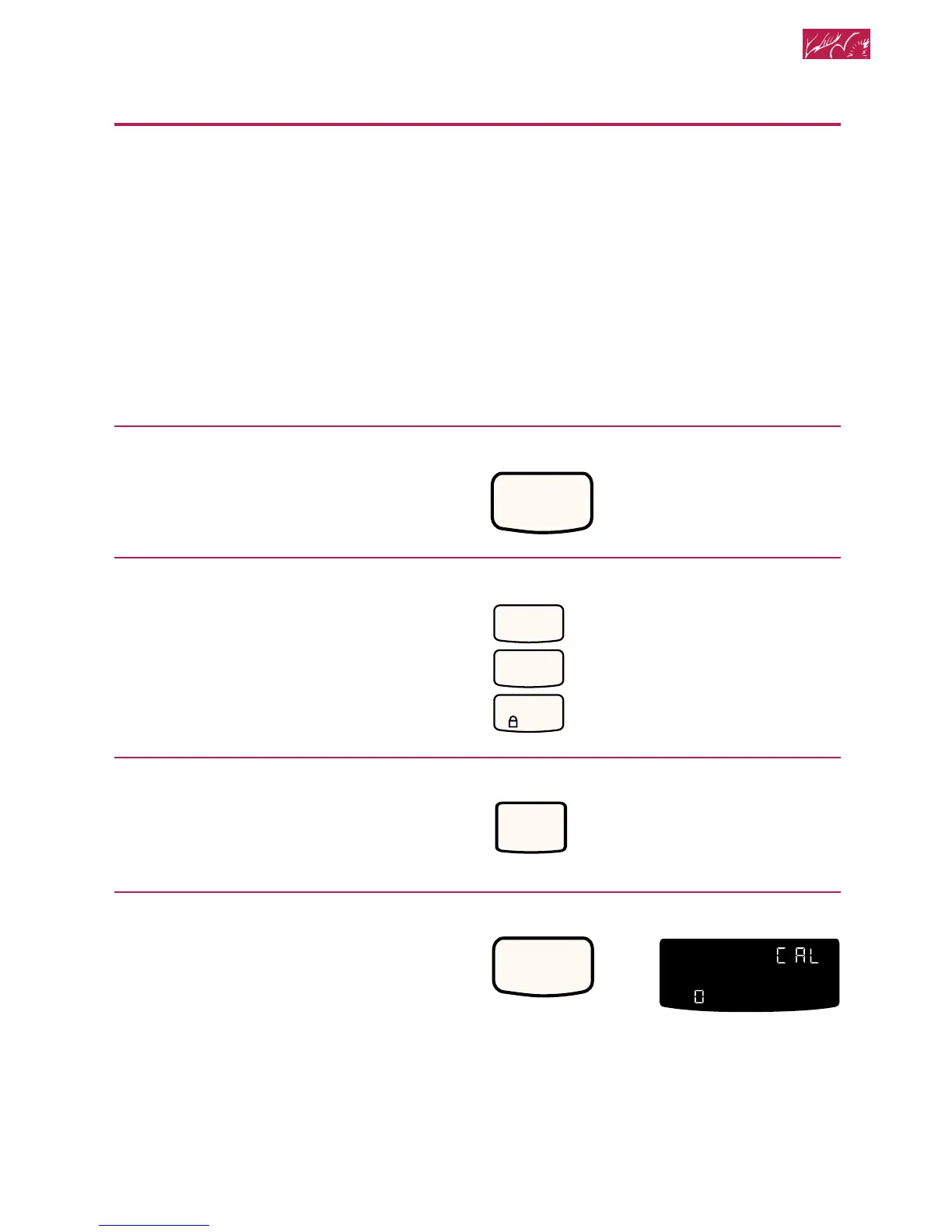
1. Open the door.
2. Press CANCEL/OFF.
3. Press the Number Pads 1, 2,
and 3, in that order.
4. Press BAKE.
5. Start oven.
The display shows 0°F (-18°C) and
“COOK TEMP.”
PRESS
PRESS
PRESS
NOTE: DO NOT measure oven tempera-
ture with a thermometer. Opening the oven
door will lower the oven temperature and
give you an inaccurate reading. Also, the
thermometer temperature reading will
change as your oven cycles.







 To Next Page