41
9. When baking/roasting is done:
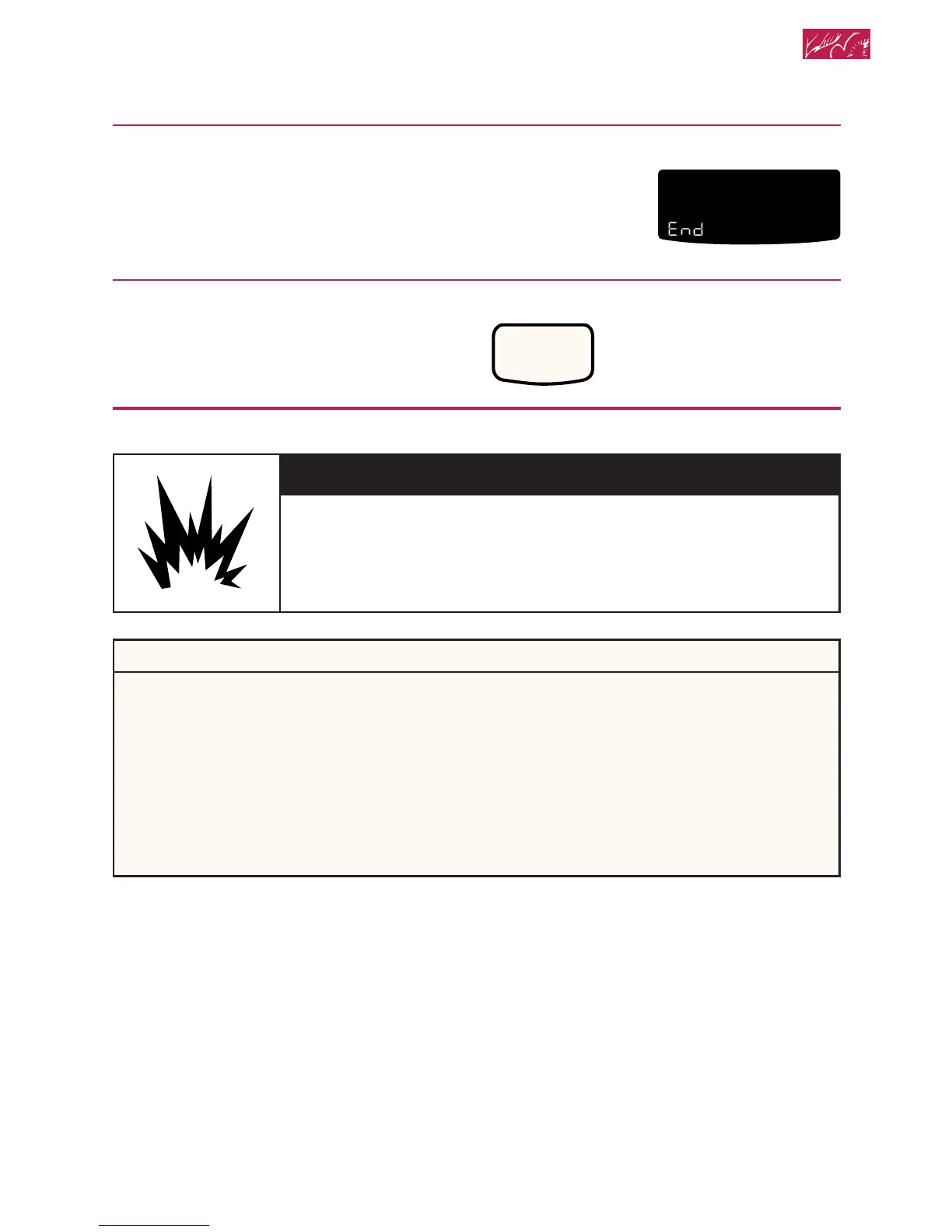
“End” will show on the display. Four
tones will sound, followed by four short
reminder tones every minute (unless the
audible signals have been disabled), until
you open the door or press CANCEL/OFF
.
To cancel timed cooking settings:
Press CANCEL/OFF.
Cleaning your oven and controls
YOU SEE
O
F
DELAY
TIMED
CLEAN
STOP
COOK
TIMER
START
?
LOCKEDDOOR
CONTROL
PROBETEMP
O
ON
PRESS YOU SEE
CANCEL
OFF
(display will go blank)
wWARNING
Explosion Hazard
Do not store flammable materials such as gasoline near this
appliance.
Doing so can result in death, explosion, or fire.
PART
Control knobs
WHAT TO USE
Sponge and warm,
soapy water
HOW TO CLEAN
• Turn knobs to OFF and pull straight
away from control panel.
• Wash, rinse, and dry thoroughly. Do
not soak.
• Do not use steel wool or abrasive
cleansers. They may damage the
finish of the knobs.
• Replace knobs. Make sure all knobs
point to OFF.
continued on next page
Using and Caring for Your Oven







 To Next Page