EasyManua.ls Logo

KitchenAid KERC600 - Page 40

KitchenAid KERC600
53 pages
Print Icon
To Next Page IconTo Next Page
To Previous Page IconTo Previous Page
Loading...
40
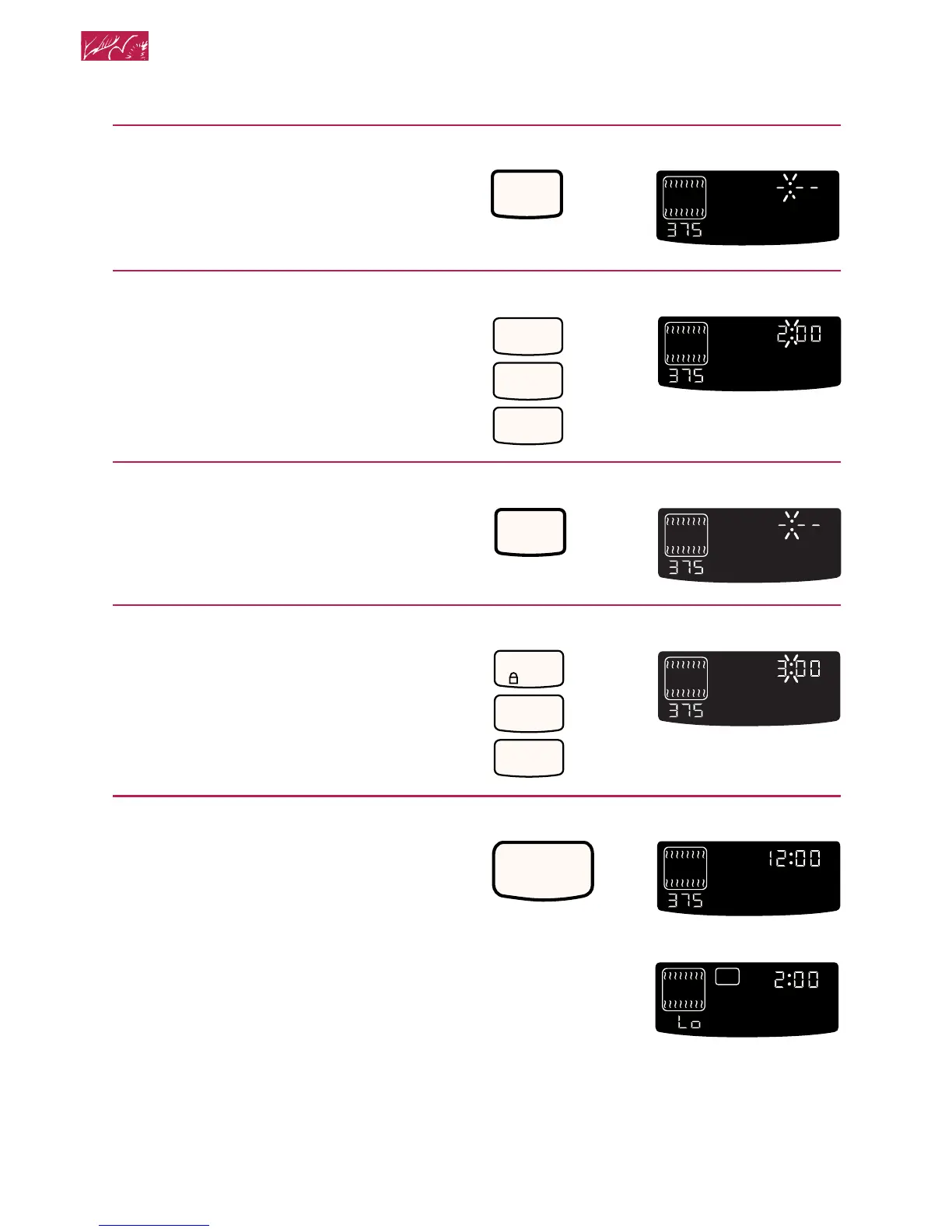
4. Press COOK TIME.
5. Set cook time.
6. Press STOP TIME.
7. Set stop time.
8. Press START.
When start time is reached:
PRESS YOU SEE
2
0
0
HR MIN MIN SEC
ON
O
F
TIMED
CLEAN
COOK
TIME
START
?
LOCKEDDOOR
CONTROL
PROBETEMP
O
(example shows 2-hour
cook time)
PRESS YOU SEE
STOP
TIME
MIN SEC
ON
O
F
DELAY
TIMED
CLEAN
STOP
COOK
TIME
START
?
LOCKEDDOOR
CONTROL
PROBETEMP
O
PRESS YOU SEE
ON
O
F
DELAY
TIMED
CLEAN
STOP
COOK
TIME
START
?
LOCKEDDOOR
CONTROL
PROBETEMP
O
(display shows stop
time of 3:00)
PRESS YOU SEE
COOK
TIME
HR MIN MIN SEC
ON
O
F
TIMED
CLEAN
COOK
TIME
START
?
LOCKEDDOOR
CONTROL
PROBETEMP
O
CONTROL
LOCK
3
0
0
PRESS YOU SEE
START
MIN SEC
ON
O
F
DELAY
TIMED
CLEAN
START
?
LOCKEDDOOR
CONTROL
PROBETEMP
O
HR MIN
DELAY
TIMED
COOK
TIME
START
?
LOCKEDDOOR
CONTROL
PROBETEMP
O
ON
YOU SEE
Using and Caring for Your Oven

Related product manuals