24
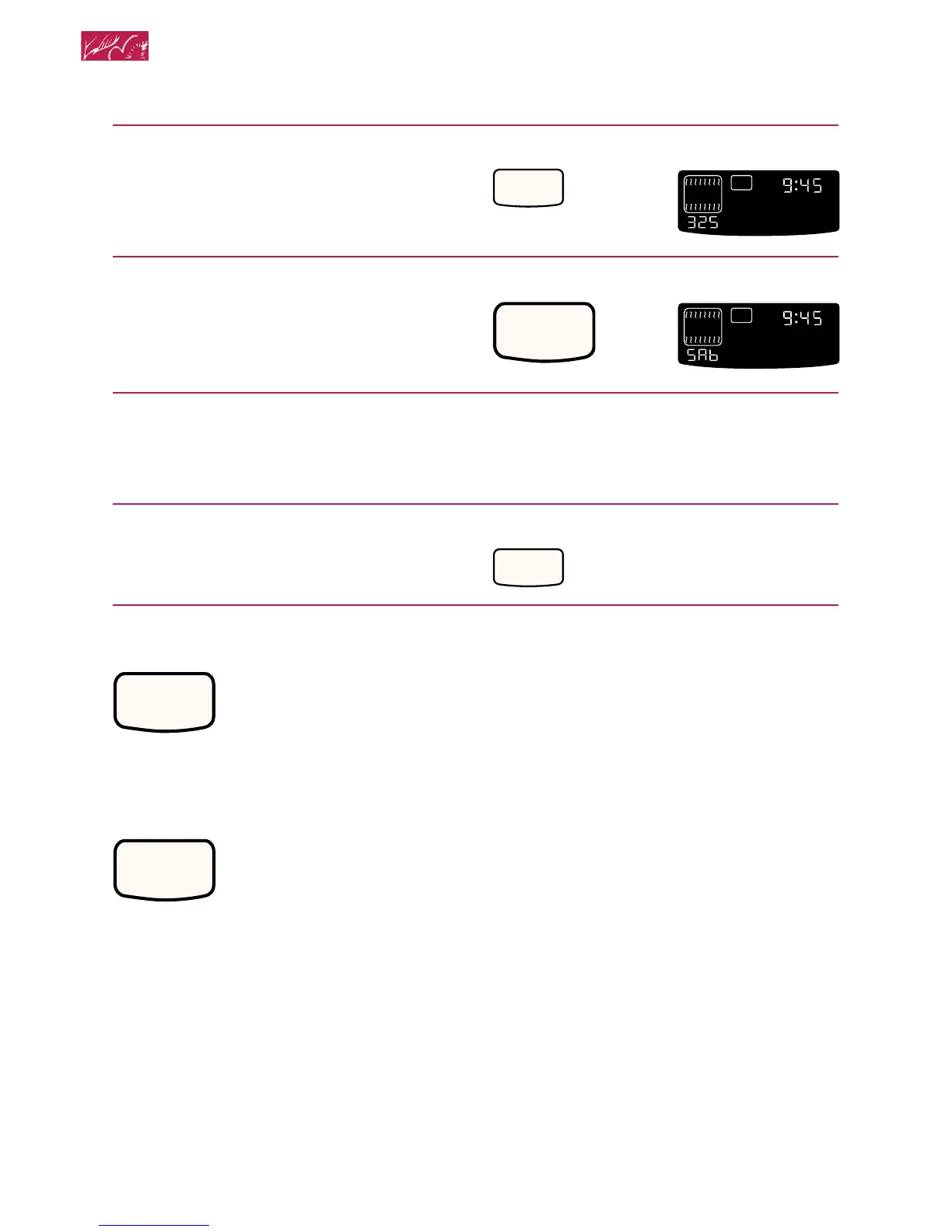
6. Press and hold Number Pad 6
for 5 seconds.
“START?” appears on the display.
7. Press START.
“SAb” appears on the display.
To end the Sabbath mode and turn
off the oven:
1. Open the door.
2. Press and hold Number Pad 6
for 5 seconds.
Starting an operation
After programming a function, you must
press START to start the
function. If you do not press
START within 5 seconds of
programming, “START?” will
show on the display as a reminder.
Canceling an operation
CANCEL/OFF will cancel any function,
except for the CLOCK SET/
START and Timer functions.
When you press CANCEL/
OFF, the large display will
show the time of day or, if the Timer is also
being used, the time remaining.
CANCEL
OFF
START
PRESS YOU SEE
Using and Caring for Your Oven
PRESS YOU SEE
6
ON
O
F
TIME
START
?







 To Next Page