17
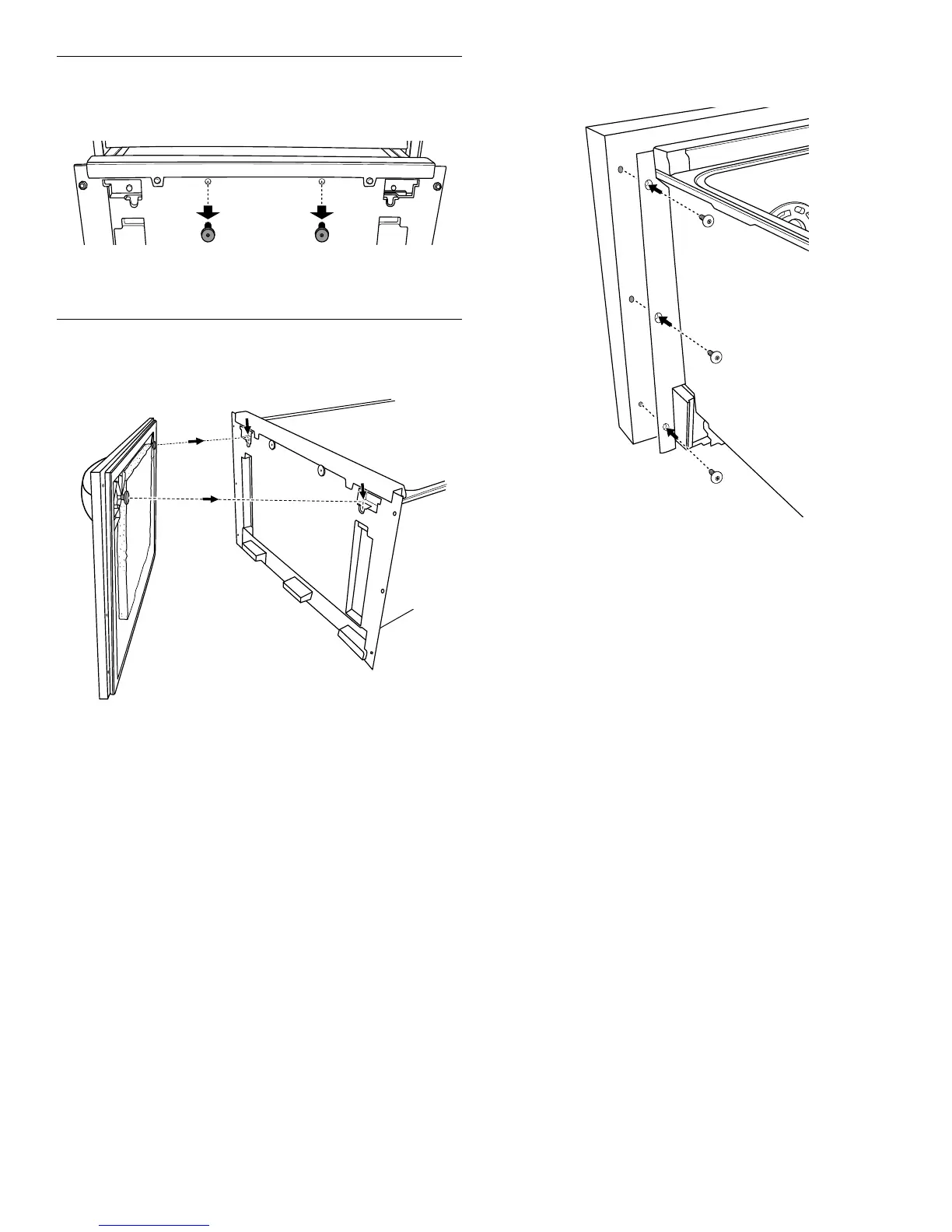
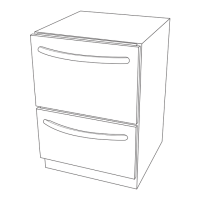
Install Panel Fasteners
1. Remove the two panel fasteners from the face of the inner
door of the upper drawer.
2. Screw the two panel fasteners into the panel fastener pilot
holes of the custom panel.
3. Repeat steps 1 and 2 for the lower drawer.
Mount the Custom Panel
1. Mount the upper custom panel to the drawer by aligning the
panel fasteners to the two keyhole slots and insert the panel.
2. To secure the custom panel onto the drawer, push the custom
panel down until the top of the custom panel is flush with the
top of the control panel.
3. Using the screws provided, secure the custom panel to the
inner door by screwing through the inner door and into the ¹⁄₈"
(3.175 mm) pilot holes.
4. Repeat steps 1 to 3 for the lower drawer.
NOTE: There will only be 4 pilot holes (2 on the left and 2 on
the right) for the lower drawer.




 To Next Page