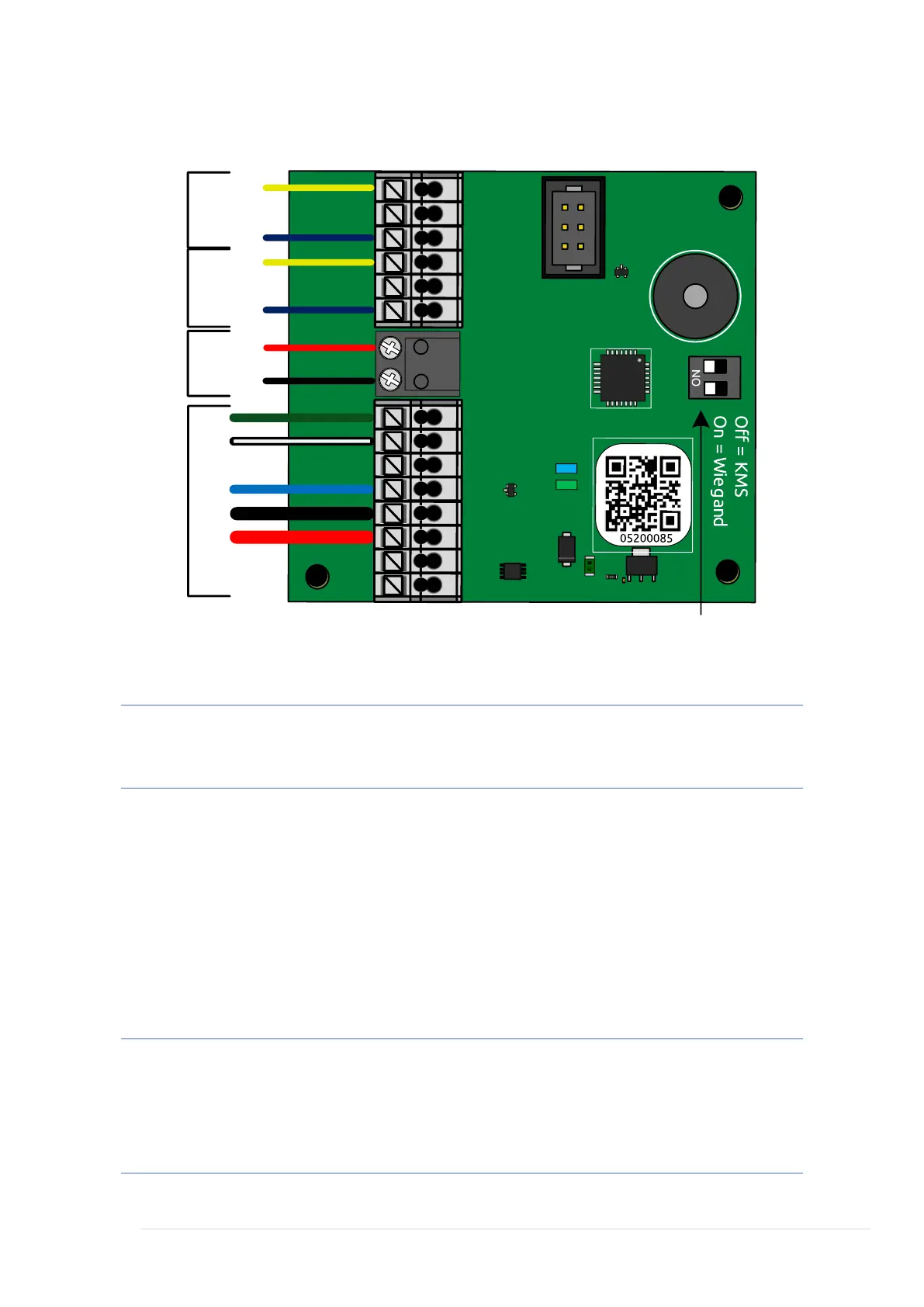
Note: Due to space considerations on the PCB, reader terminations
are labelled 1 through to 3 for each channel.
Reader Connections A and B
1. LED/Speaker
2. Wiegand Data 0
3. SIG/Weigand Data 1
12v. Shared output for Ch1 & Ch2
0v. Shared output for Ch1 & Ch2
Note: Only one reader can be wired into each channel, where a read
IN and read OUT configuration is required, a separate Reader
Interface will be required per door. Refer to Technical Support for
further information.



 To Next Page