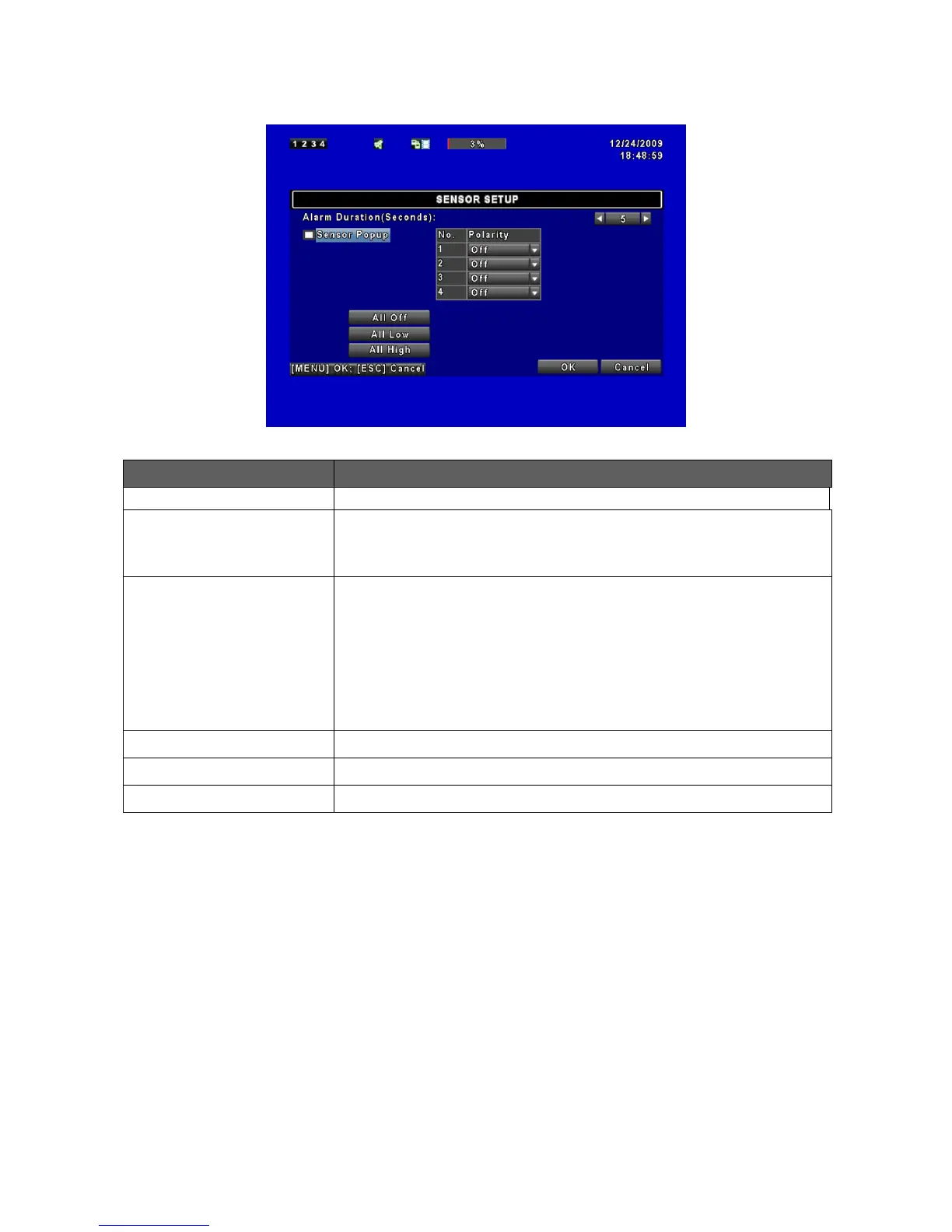
Check the box to Enable/Disable popup screen function for all channels.
When Sensor is detected in LIVE mode, the detected channel image will
pop up in full screen display.
Click or press ▼ to select between HIGH/ LOW voltage for triggering
sensor detection or OFF to turn off polarity for each channel
Low Polarity:Sensor has not been triggered. When connected, sensor
will be turned on (N.O.→N.C.).
High Polarity:Sensor has been triggered. When connected, sensor
status will be turned off (N.C.→N.O.).
Off:Sensor is deactivated, and will not be turned on/off.



 To Next Page