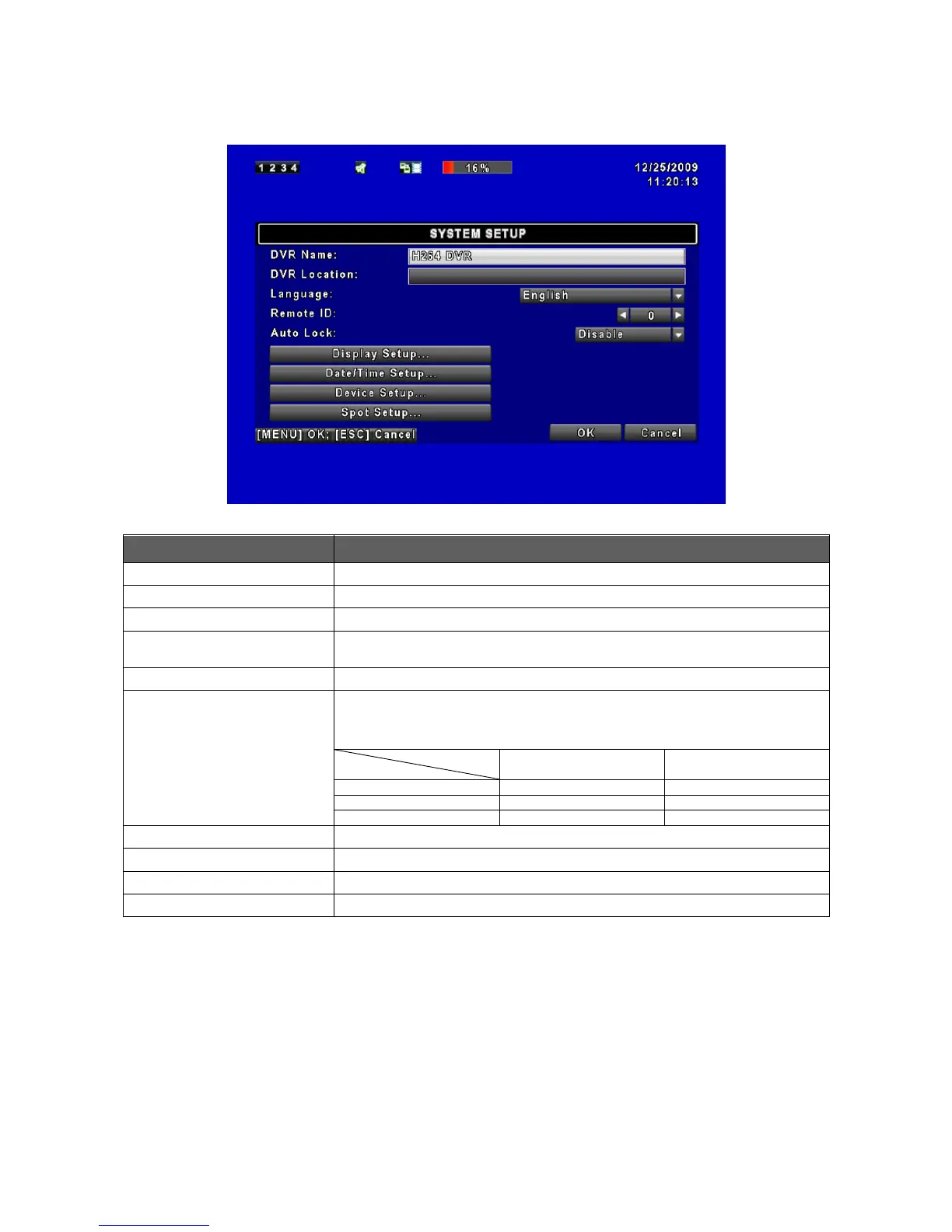
The name of DVR will be shown when users login from remote access.
The location of DVR will be shown when users login from remote access
Click or press ▼ to select OSD language.
Auto-Seq Interval
( Seconds)
Click or press ◀ ▶ to set up duration time in seconds for the interval
between channels under Auto-Seq mode.
After one minute without any action, the DVR will switch to LIVE mode
automatically. Auto lock can function differently according to the setting below.
Button automatically Auto Lock: The front panel function keys are ineffective
only until using the mouse and please re-enter the password again.
Enter to set up Date/Time
Enter to set up Buzzer & Relay



 To Next Page