Chapter 2 MAIN MENU OPERATION
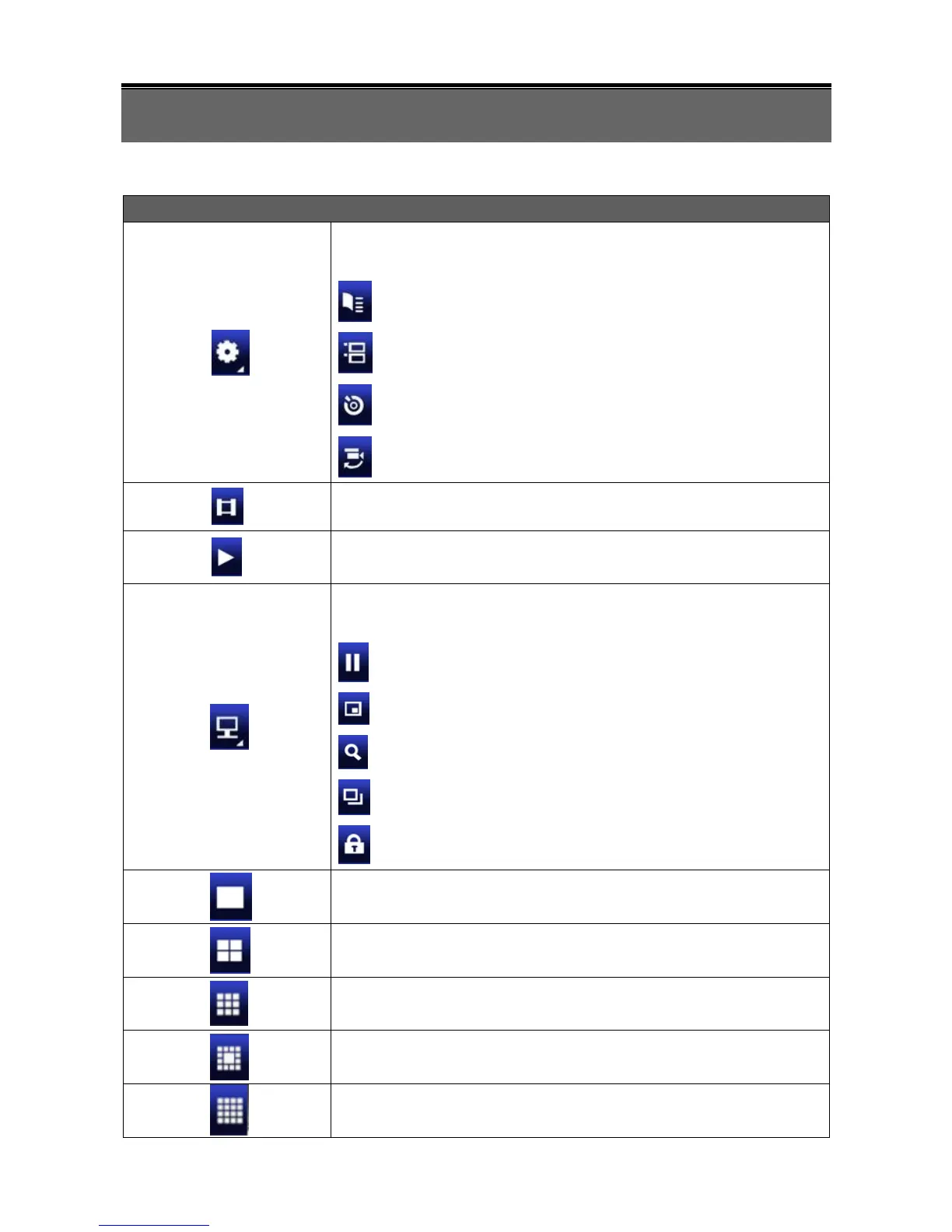
Resting the cursor on this icon will bring up the four (Main Menu/ Search/
Backup/ PTZ) menu icons.
Resting the cursor on this icon will bring up five (PAUSE/ PIP/ ZOOM/
AUTO SEQ/ LOCK) display icons.
PAUSE, to pause LIVE image
ZOOM, zoom in / out the screen size
LOCK, activate the key lock.
Full screen display, multiple clicking to switch channels
9CH Split-screen display (available only to 8/ 16CH DVR).
13CH Split-screen display (available only to 16CH DVR).
16CH Split-screen display (available only to 16CH DVR).



 To Next Page