EasyManua.ls Logo

knd DVR - 5.1.1 Event Search

Default Icon
46 pages
Print Icon
To Next Page IconTo Next Page
To Previous Page IconTo Previous Page
Loading...
35
Item
Description
Criteria
Setup conditions of the event search function
Page
Convert pages of events
Date/Time
Date/ time when the event occurred.
Event Type
Event type, defined as following:
Motion
: Motion Detected
Sensor
: Sensor Detected
Video Loss
: Video Loss
Remote Login
: User log-in over the network
Remote Logout
: User log-out over the network
Power On
: System Rebooting
HDD Full
: HDD is FULL
HDD Error
: HDD is error
Reboot
: System reboot
Channel
The channel where the event occurred.
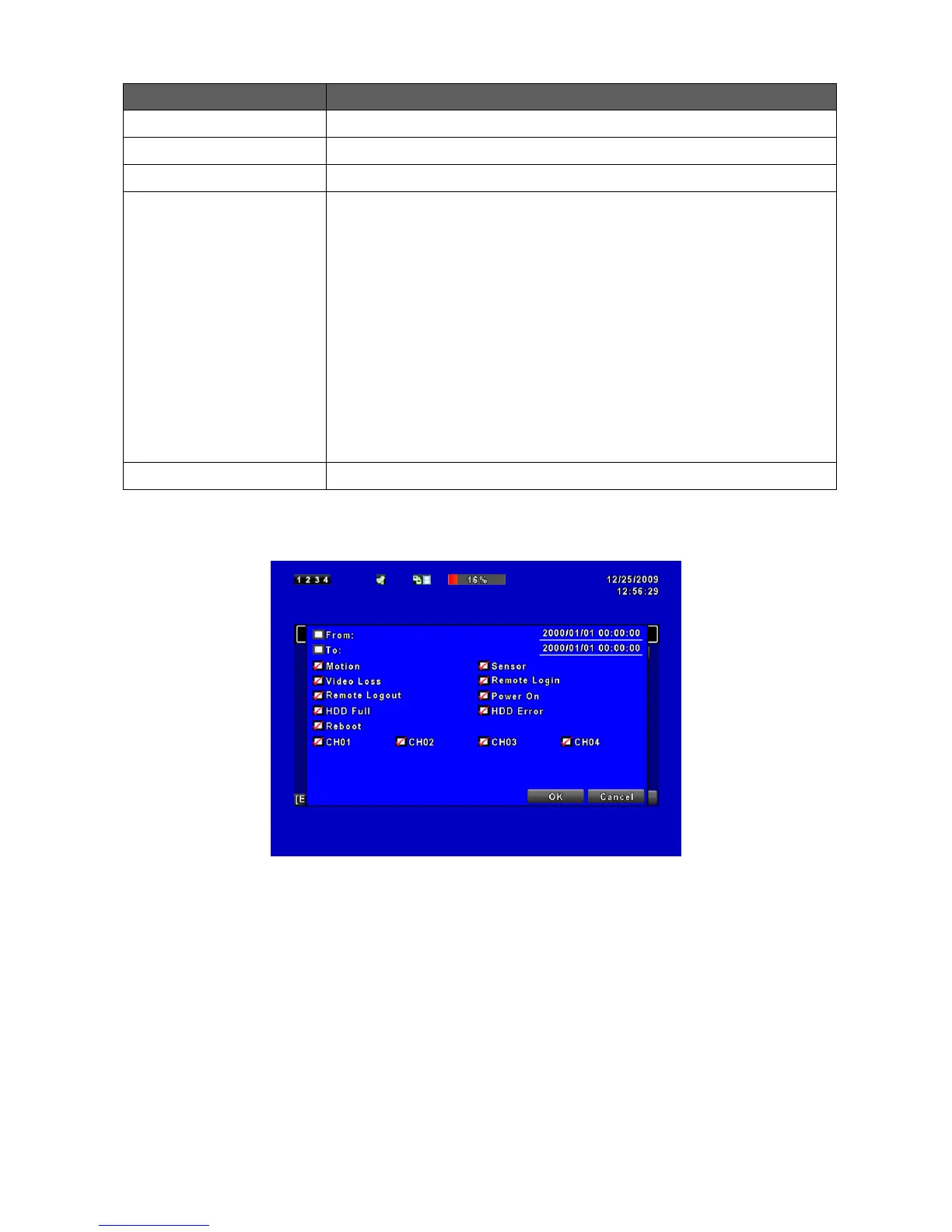
5.1.1.1 Criteria Setup for Event Search
The amount of events can be numerous. Therefore, you can facilitate event sorting by
setting up “criteria”. Setup start time” and “end time” for each event search, then the
search result will be limited to this specific period of time. Only events and channels that
are checked will be sorted in event search as well.