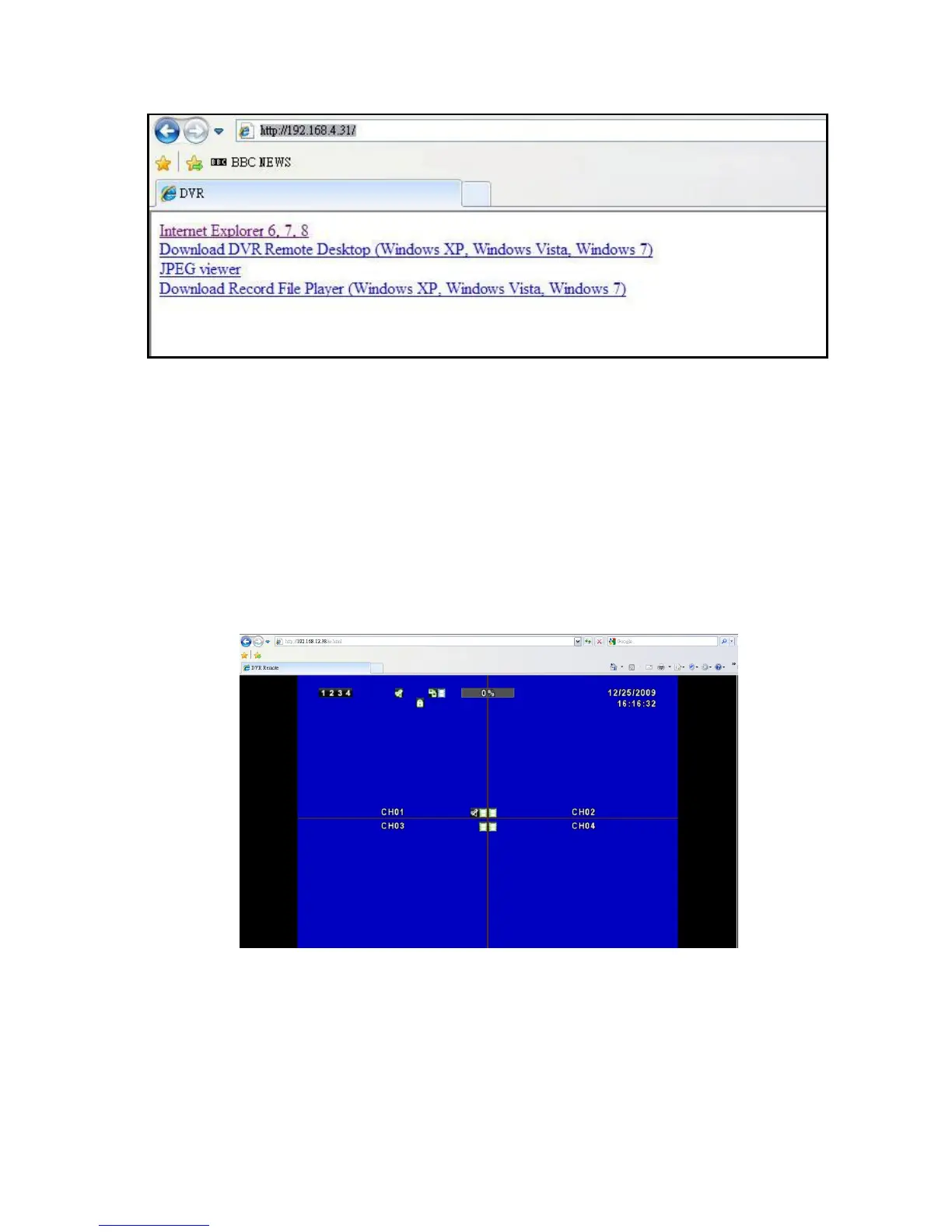
Step 3: Remote connection option appears.
Internet Explorer 6, 7, 8:
Precede connection using Microsoft Internet Explorer.
Download DVR Remote Desktop (Windows XP, Windows Vista, Windows 7):
Continue connection operation by downloading the software and install it to the PC.
JPEG viewer: Applies only to LIVE connection monitoring.
Download Record File Player (Windows XP, Windows Vista, Windows 7):
Download software to backup playback files.
Step 4: You’ve logged into the DVR
Internet Explorer



 To Next Page