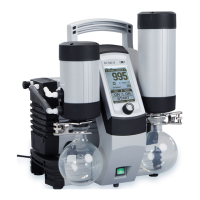
Operating vacuum pump system Vacuum Pump System SC 920G
32 Translation of original Operating Instructions, English, KNF 121308-121311 07/18
8.2. Operation without hand terminal
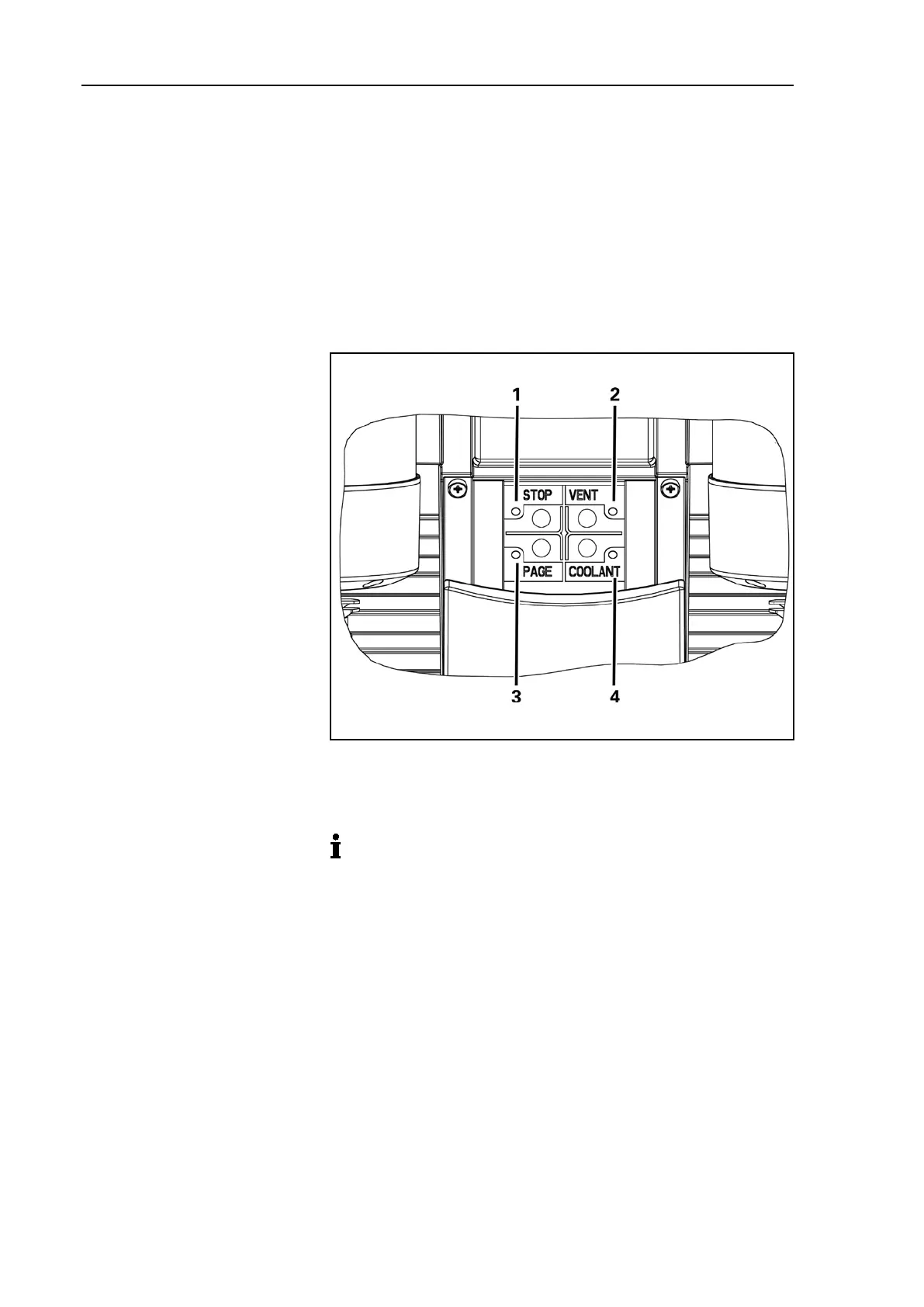
The following actions can be taken directly on the vacuum pump
system when the hand terminal is removed (Fig. 15):
Stop the process;
Open and close the ventilation valve;
Open and close the high-performance condenser's coolant
valve (accessory).
Call the hand terminal (paging); the hand terminal will answer
with a signal tone.
To open/to close ventilation
valve button
Call the hand terminal
button (paging)
Button to open/to close
coolant valve (accessory)
on the high-performance
condenser
Fig. 15: Buttons on vacuum pump system
8.3. Software
Please see the delivered CD for information on operating the
vacuum pump system via software.


 To Next Page