Troubleshooting Vacuum Pump System SC 920G
44 Translation of original Operating Instructions, English, KNF 121308-121311 07/18
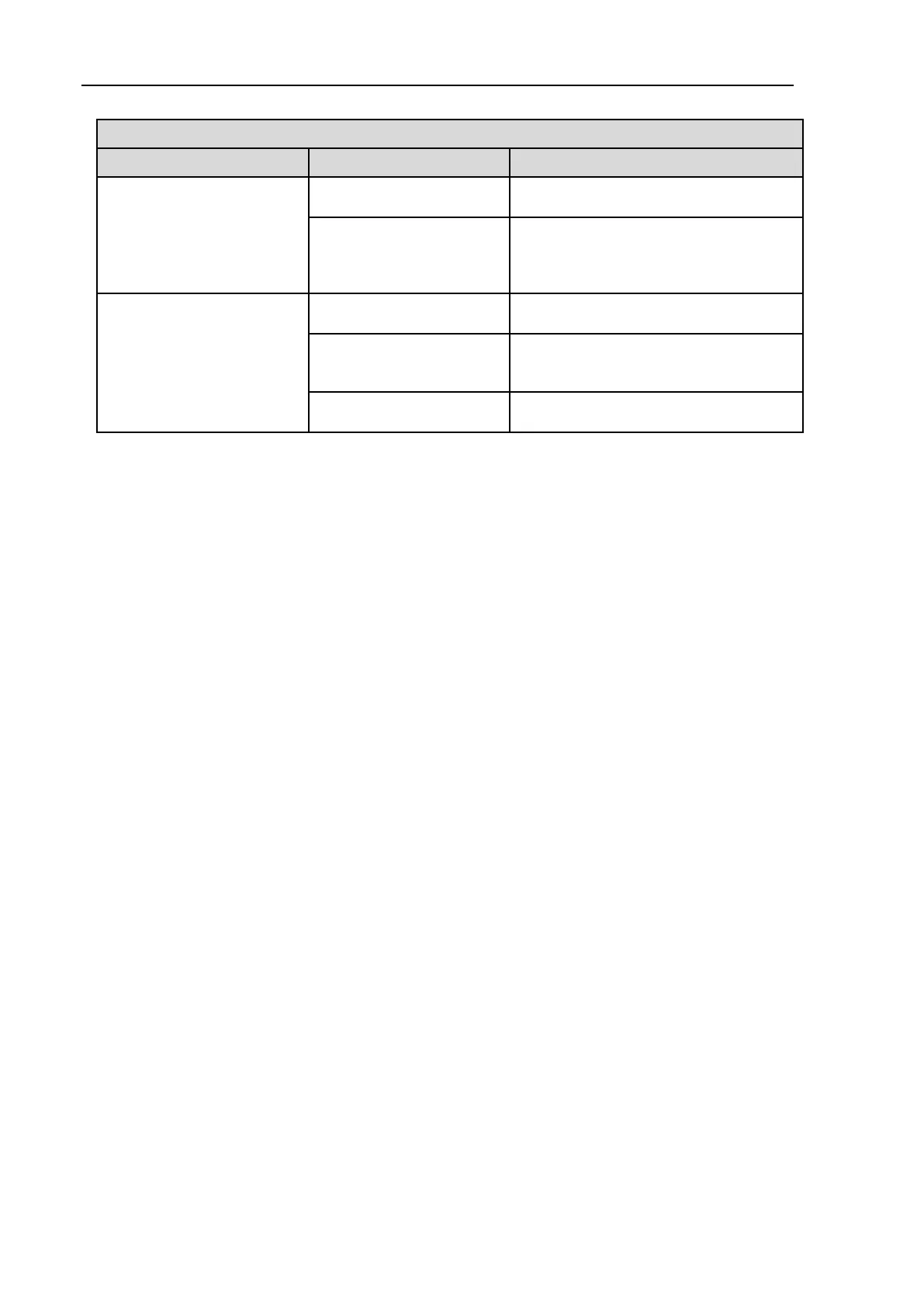
connect to vacuum pump
system.
switched on.
Switch vacuum pump system on.
system and PC is not
operating correctly.
Check correct connection of USB
cable. If necessary, pull out the USB
cable and reinsert (USB interface
reset).
implausible values.
Unit of pressure for display
has been changed.
Set desired unit of pressure.
See Tab. 8, "Required vacuum not
generated even though pump is
running”.
Recalibration of pressure
sensor required.
Tab. 9
Fault cannot be rectified
If you are unable to determine any of the specified causes, send
the vacuum pump system to KNF Customer Service (see last page
for the address).
1. Flush the vacuum pump system to free the pump head, tubing
and glas vessels of dangerous or aggressive gases (see
chapter 9.2.1, page 33).
2. Clean the vacuum pump system (see chapter 9.2.2, page 33).
3. Send the vacuum pump system, together with completed
Health and Safety Clearance and Decontamination Form
(Chapter 13), to KNF stating the nature of the transferred
medium.


 To Next Page