18 Kobo Vox User Guide
Your Kobo Library
WHAT’S IN THIS SECTION
• Starting Kobo!
• Kobo tour!
• Changing library views!
• Getting book information!
• Viewing additional book options!
• Importing books!
• Managing your book downloads!
Starting Kobo
You can start reading by tapping on a book cover, or by tapping one of the icons at the bottom of
the screen.
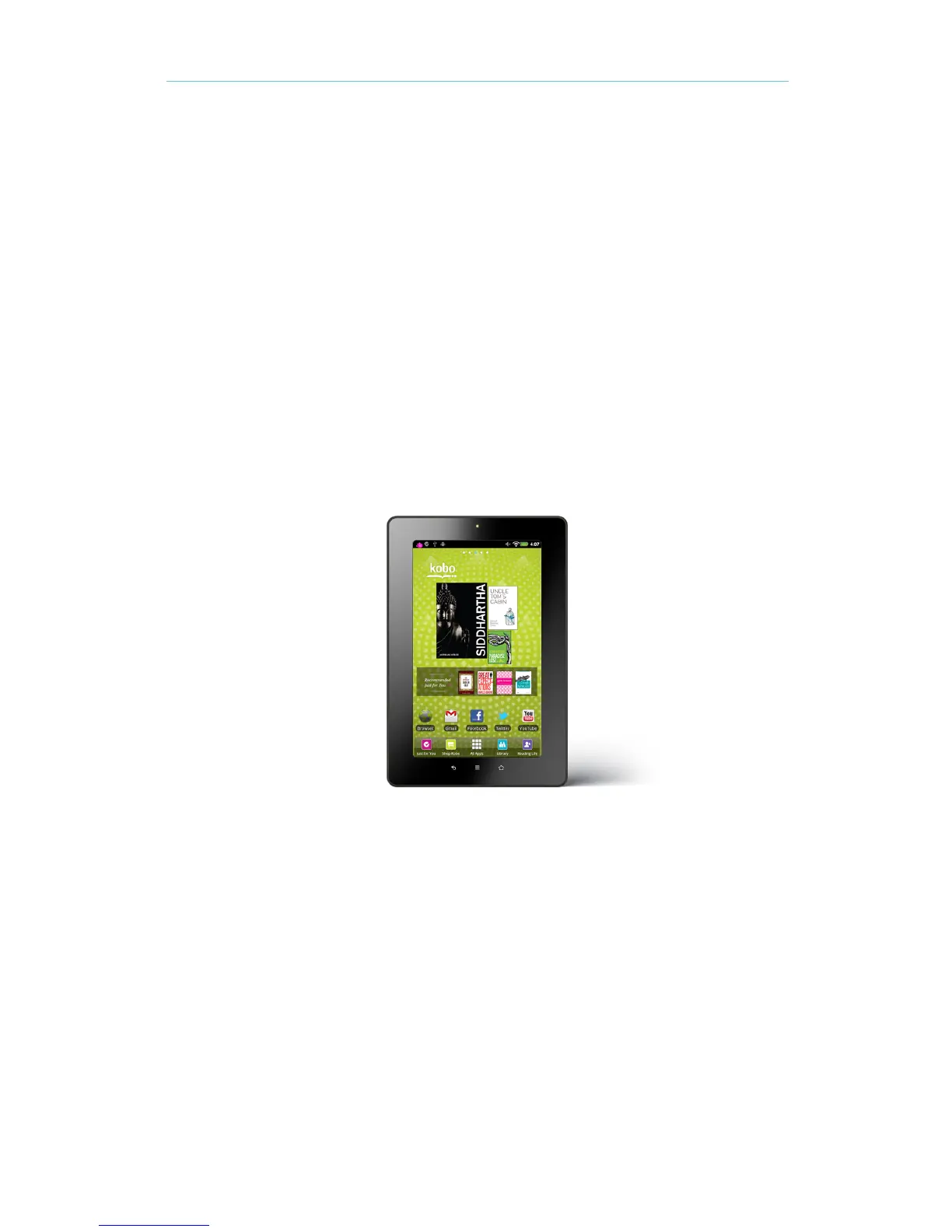
Kobo Mosaic
The Kobo mosaic displays your top three most recently added or recently opened books on the
Home Page. The largest book cover is your most recently opened book.
To open a book, simply tap the book cover. The Kobo mosaic is a widget that you can remove or
add at any time. You can also move the Kobo mosaic by holding it, then dragging it to the edges of
the screen.



 To Next Page