50 Kobo Vox User Guide
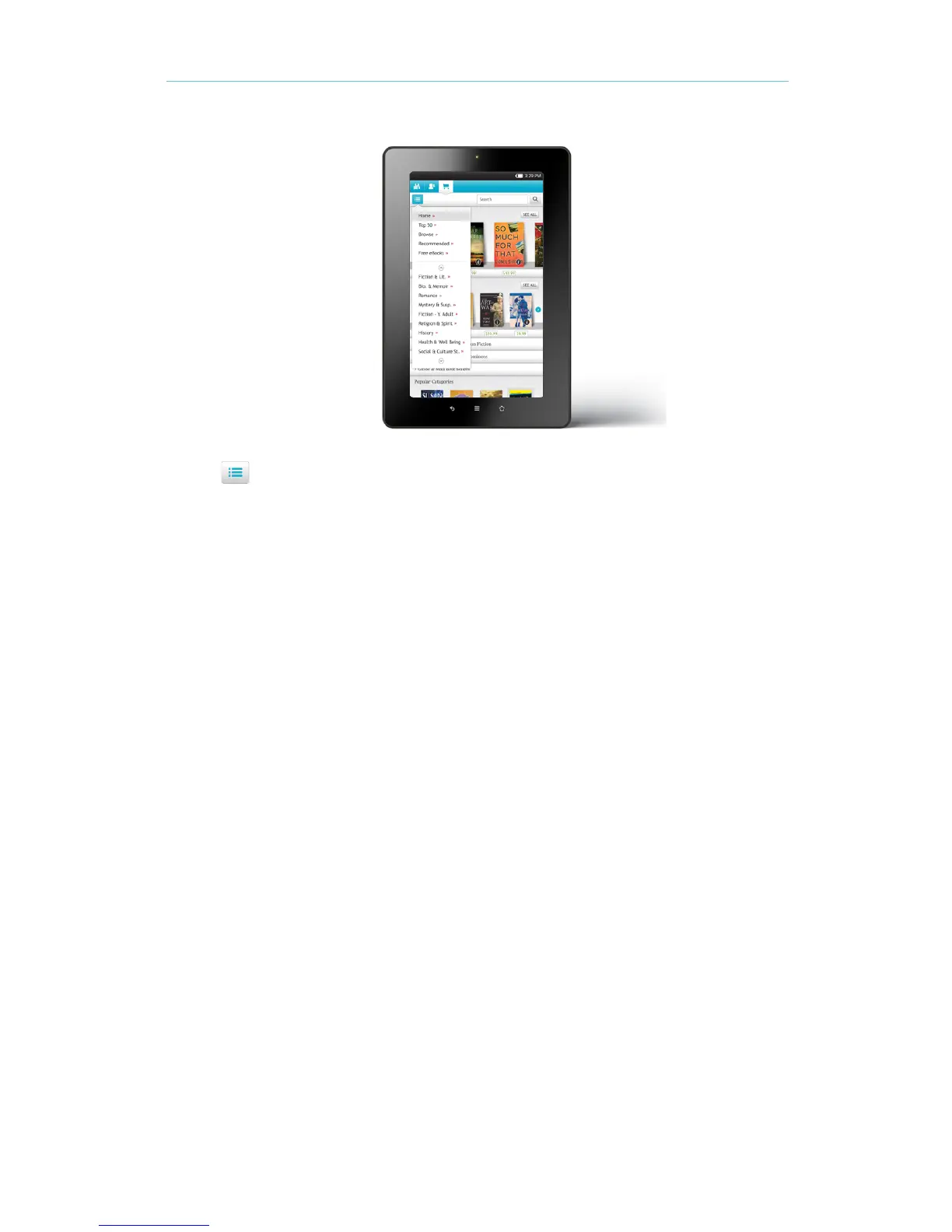
Tap the Menu icon at the top left corner to sort by categories:
• Top 50 — see a list of the top 50 most popular books in the Kobo Store.
• Browse — browse books by categories (for example, Art & Architecture, Childrenʼs
Books, and more).
• Recommended — see a list of recommended titles hand-picked by Kobo reading experts.
• Free eBooks — choose from a list of free books.
Searching the Store
If you know the author or title of the book you want, you can search for it.
To search the Store:
Tap the Search field at the top right corner of the screen. 1.
Enter the author name or book title. 2.
Tap Go on the keyboard. 3.



 To Next Page