32 Kobo Vox User Guide
Highlighting, Commenting, and Sharing
WHAT’S IN THIS SECTION
• Highlighting text!
• Adding notes!
• Sharing highlighted text!
• Looking up definitions!
• About Kobo Pulse!
• Commenting on a page!
• Rating a page!
• Hiding spoilers in Pulse!
• Turning social reading On or Off!
• Reading Life notifications!
• Managing Reading Life notifications
• Sharing on Facebook Timeline
• Sharing all your books on Facebook Timeline
• Turning off Facebook Timeline on all books
• Turning off Facebook Timeline on individual books
Highlighting text
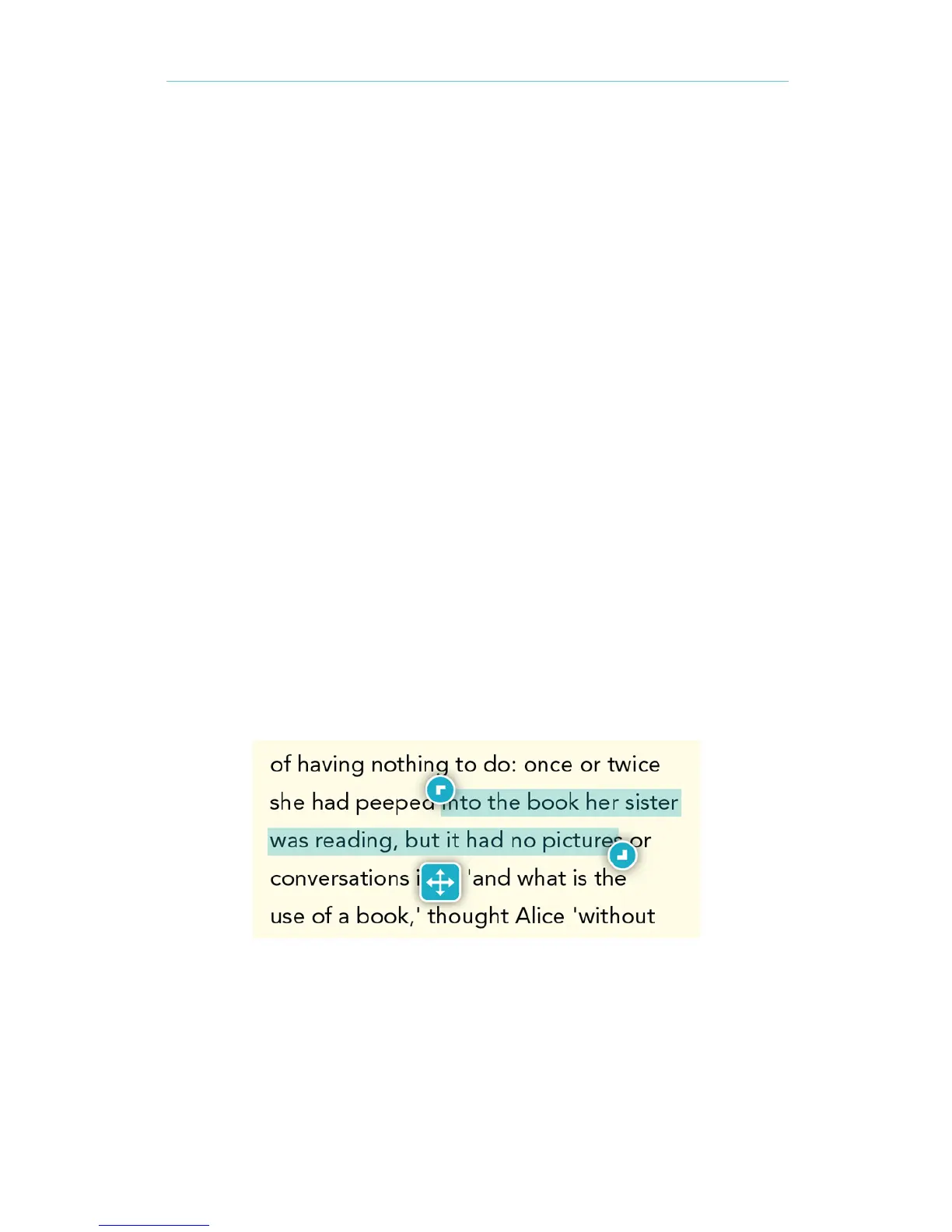
You can highlight text as you read and refer to it later in the annotation list, which displays all of
your highlights in an organized list. This can be useful if youʼre studying a passage, or wish to see
highlights youʼve made throughout the book.
To highlight text while reading:
Press and hold a word in the text you want to highlight. A Select Text dialog box will 1.
appear.
Tap Annotate or Highlight. 2.



 To Next Page