Kobo Vox User Guide 33
Highlight the text: 3.
• Tap and hold the icon to move to the general area where you want to highlight.
• Drag the and icons to select the text.
Tap the Highlight button. 4.
To delete a highlight:
Press and hold the highlight you want to delete on the page. 1.
Tap Delete Highlight. 2.
To view a list of your highlights:
While reading, tap the centre of the screen. 1.
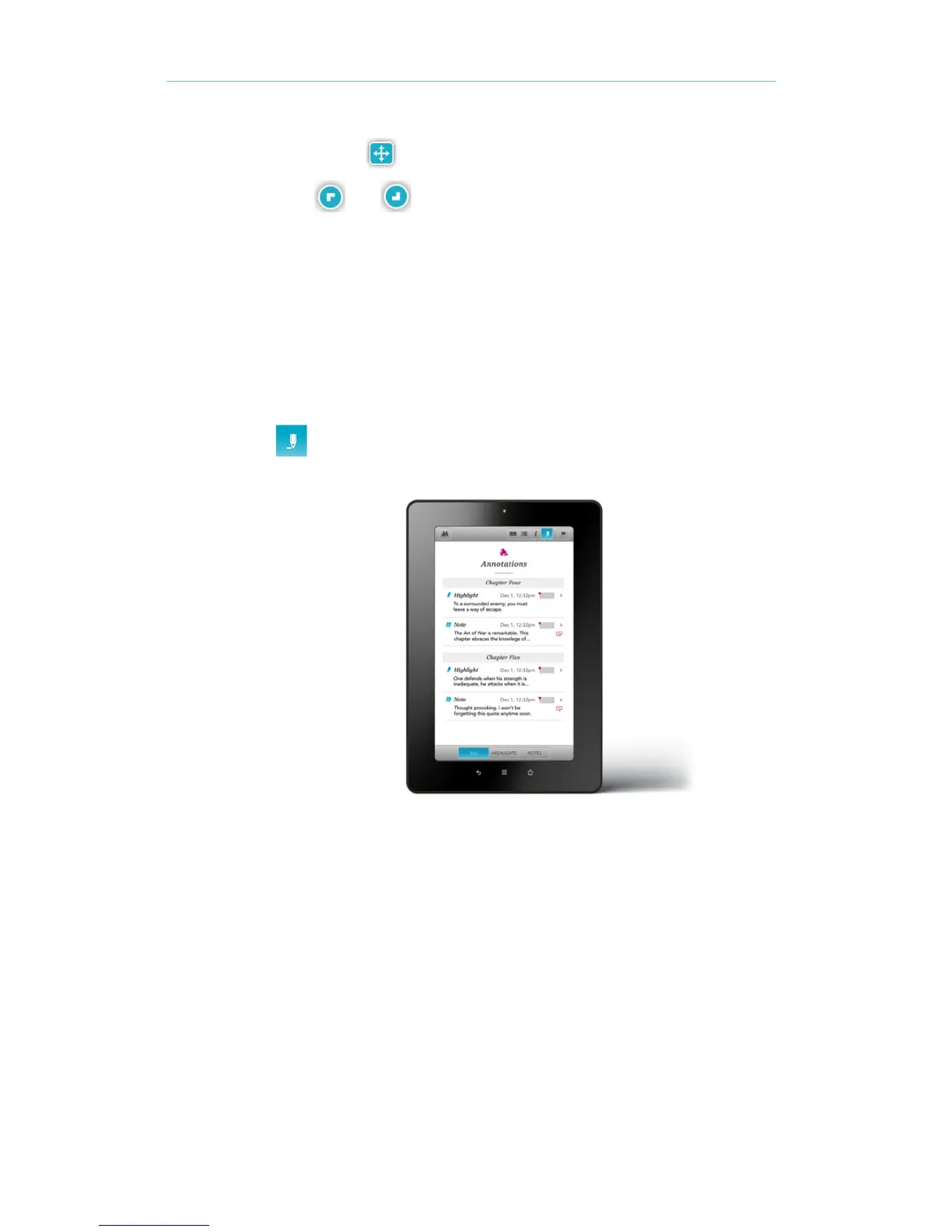
Tap the pencil icon to open the Annotations list. 2.
To see a highlight, tap it in the list. Youʼll go to the page with the highlighted passage.



 To Next Page