Kobo Vox User Guide 25
To open a book from your library:
Tap the Library icon on the top left corner of the screen. 1.
Swipe up or down to scroll through your book collection. 2.
Tap the desired book cover to open the book. 3.
You can also open the book youʼre currently reading by tapping the Reading tab icon.
Note: A green bookmark on a book cover means that youʼve started reading the book.
Turning pages and moving around
To turn a page:
• Tap the right edge of the screen to see the next page.
• Tap the left edge of the screen to see the previous page.
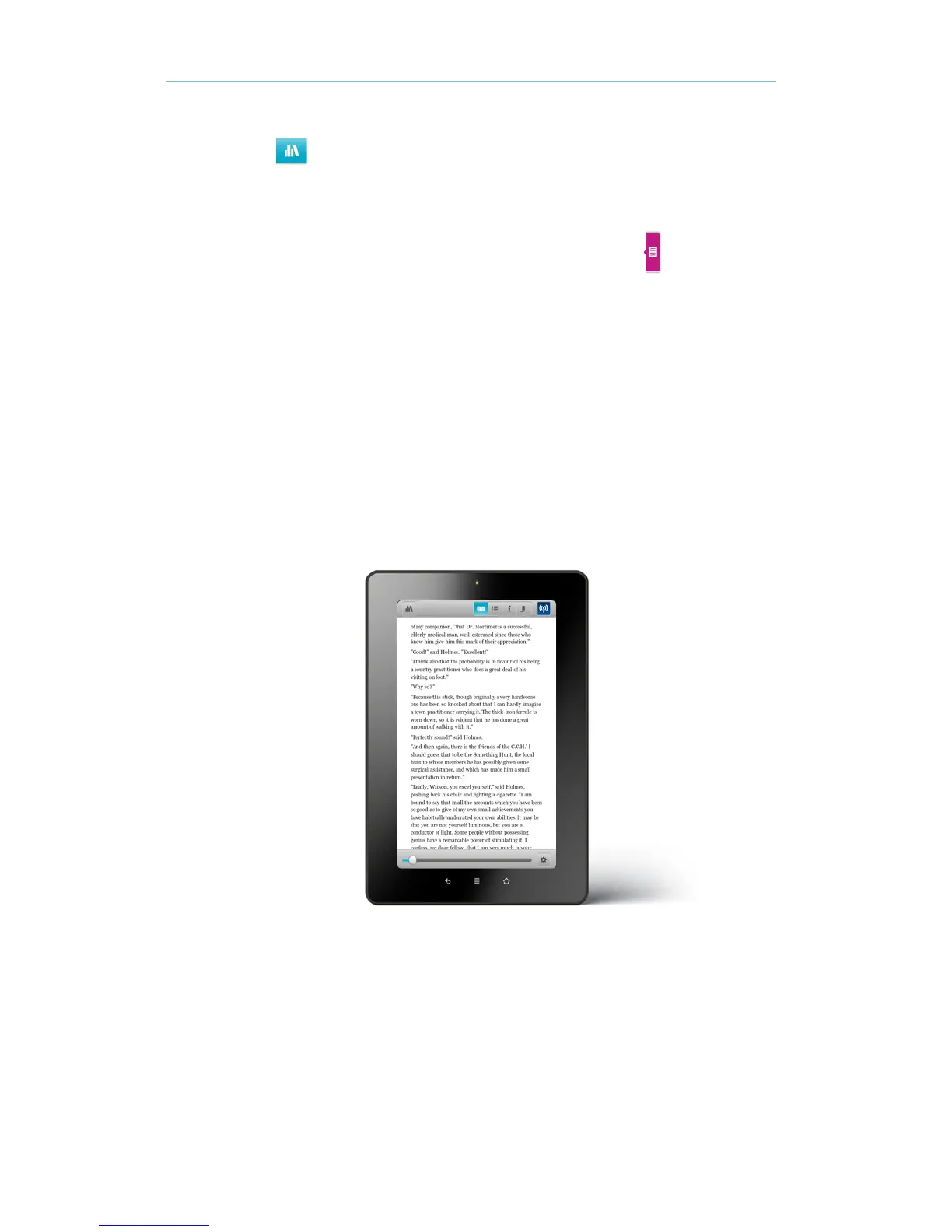
You can also skip through a chapter or a book by using the Navigation bar.
To skip through pages or chapters while reading:
Tap the centre of the screen. The Navigation bar will appear on the bottom of the screen. 1.
Drag the slider left or right to skip to the desired page. 2.
To close the Navigation bar, tap anywhere on the page. 3.



 To Next Page