Kobo Vox User Guide 29
Rotating the page orientation (portrait vs landscape)
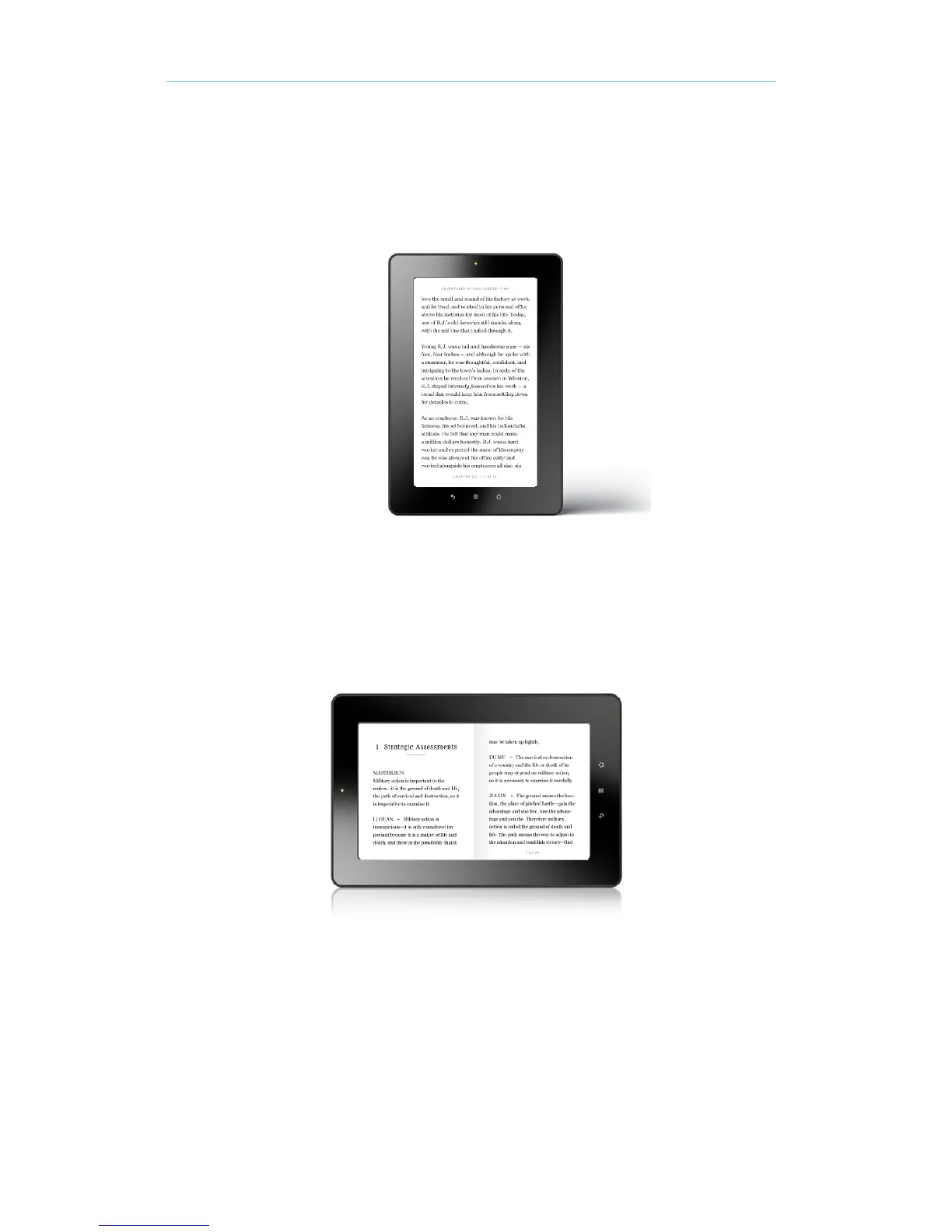
Kobo Vox can display pages in portrait or landscape orientation.
Portrait view mimics the look of a real book.
Landscape view allows you to:
• View up to two pages at a time or
• See a wider portion of the page in single page mode
To rotate the page orientation:
• Turn your tablet 90 degrees to the left or right. The page will automatically rotate.
Note: The page will not rotate if the Kobo Vox is on a flat surface.



 To Next Page