Kobo Vox User Guide 27
Changing the page theme
You can change the theme of the page so that you can read better in the dark, or even change the
colour of the page to look like a vintage novel.
To change the page theme:
While reading, press the Menu button on your Kobo Vox. 1.
Tap Fonts. 2.
Tap the Appearance icon. 3.
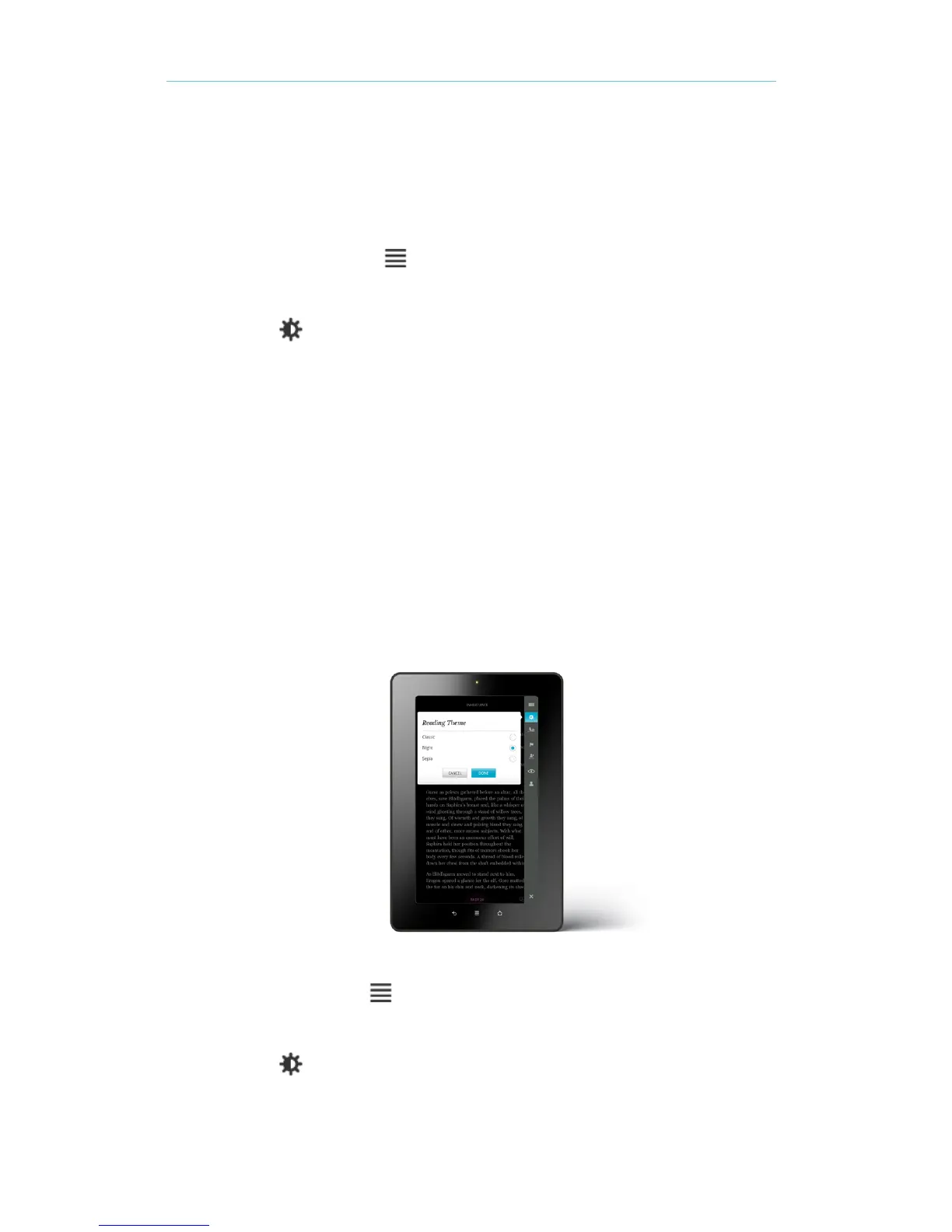
Tap Reading Theme. 4.
Tap the reading theme youʼd like to apply: 5.
• Classic: The page is white with black text.
• Night: The page is black with white text.
• Sepia: The page is sepia with black text.
Tap the centre of the screen to resume reading. 6.
Using night reading mode
If you read in the low-light environments for long periods, you may want to turn on Night Mode to
improve your reading experience. Night Mode turns the text white and the page black, which can be
easier on your eyes.
To turn on Night Mode:
While reading, tap the Menu button on your Kobo Vox. 1.
Tap Fonts. 2.
Tap the Appearance icon. 3.
Tap Reading Theme. 4.



 To Next Page