24 Kobo Vox User Guide
Opening, Navigating, and Closing Books
WHAT’S IN THIS SECTION
• Opening a book!
• Turning pages and moving around!
• Changing text size and style!
• Using the Table of Contents!
• Changing the page theme!
• Using night reading mode!
• Adjusting screen brightness in the Kobo app!
• Rotating the page orientation (portrait vs landscape)!
• Closing a book and bookmarking a page!
Opening a book
Opening a book from the Home Screen
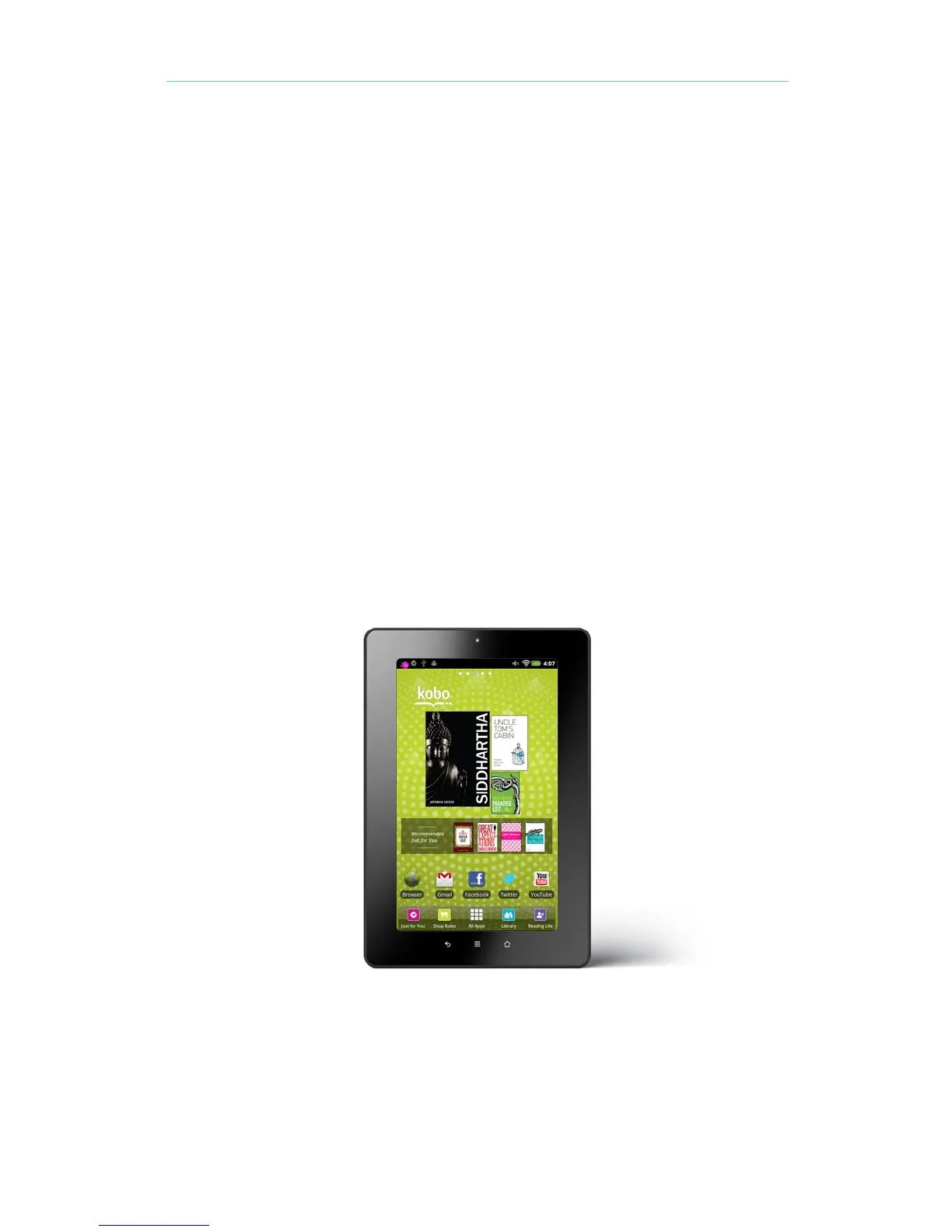
Kobo Vox displays your top three most recently purchased or read books on the Home Page in the
Kobo Mosaic.
To open a book on the Home Screen:
• Tap the book cover.



 To Next Page