20 Kobo Vox User Guide
To view different shelves in your library:
Tap the Library icon at the top left corner of the screen. 1.
Swipe left or right to view the different shelves (Just For You, All, Preview, My Books). 2.
Reading Life
Reading Life is an exclusive Kobo feature that makes reading more fun and interactive. Reading
Life lets you earn awards, view your reading stats, and notifies you of awards.
There are many ways to earn Reading Life awards. For example, you can earn the Deep Thinker
award when you take notes in your book, or earn the Inverted Comma award when you highlight
your favourite passage.
Viewing Reading Life statistics
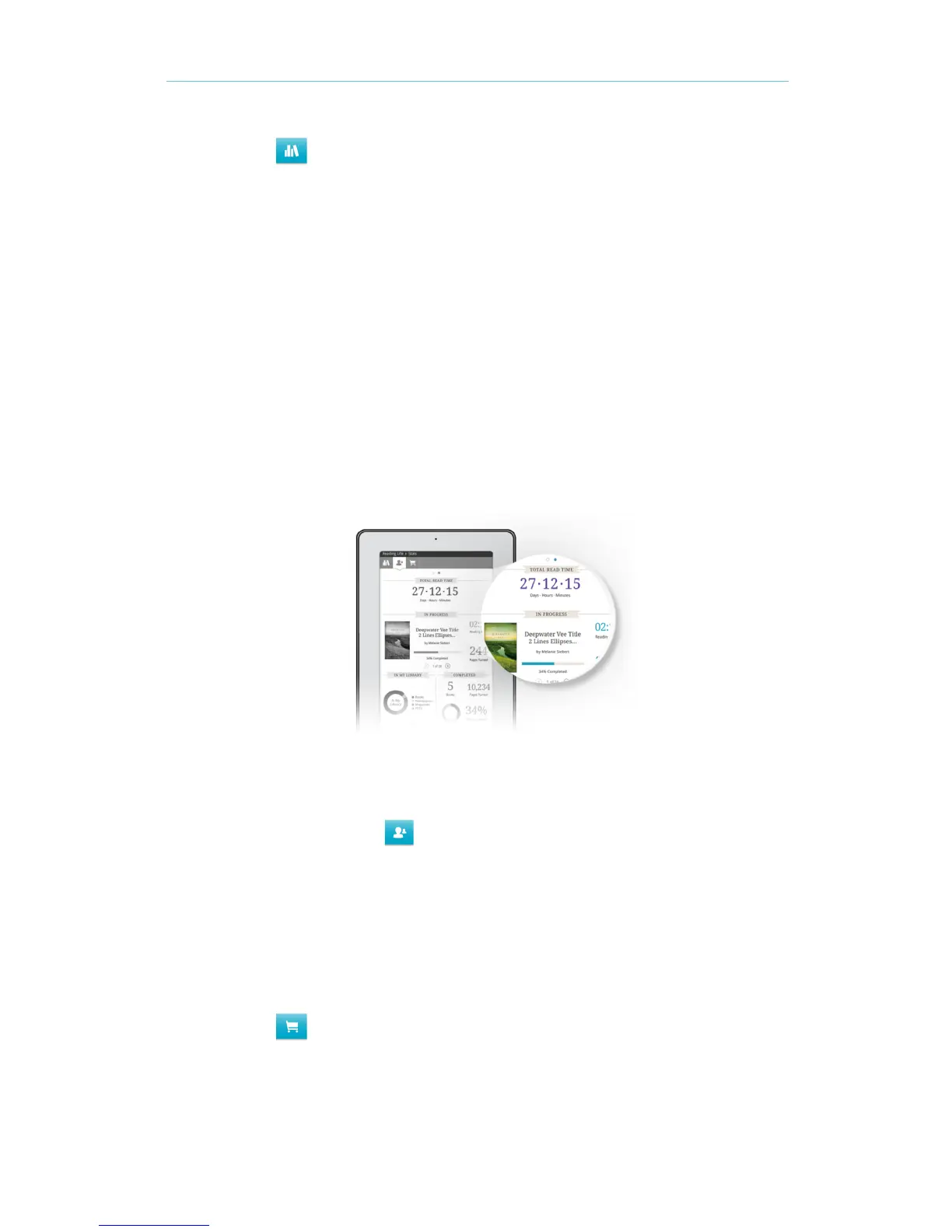
You can view statistics such as how many hours youʼve read, the number of pages youʼve turned,
and more on the Statistics page.
To view your reading statistics:
• From your library, tap the Reading Life icon.
Store
If youʼd like to shop for new books online, you can browse the Kobo Book Store on your Kobo Vox.
In the Kobo Book Store, you can shop for free books, top rated books, and more.
To visit the Kobo Store from your Kobo library:
• Tap the Store icon.



 To Next Page