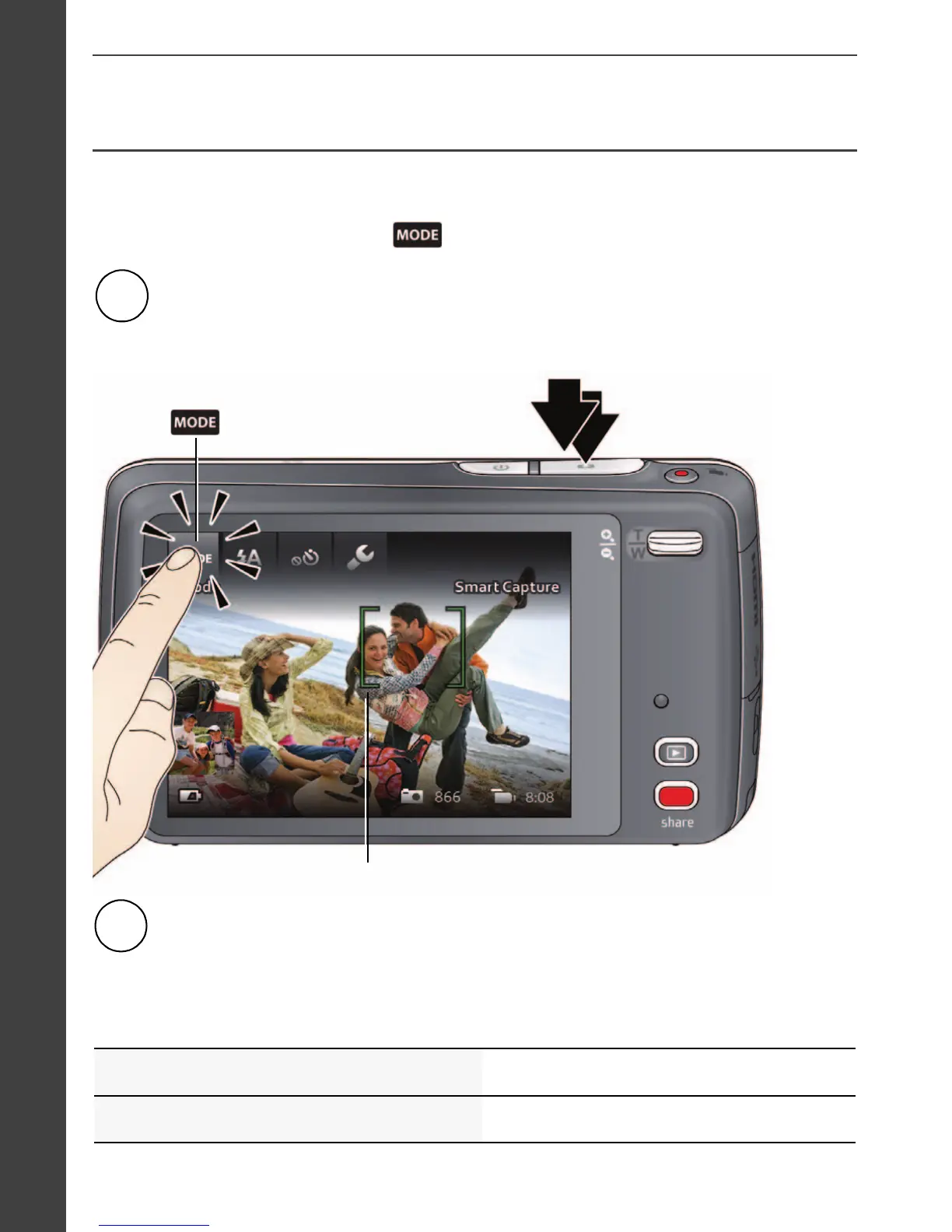
Framing marks
Press the Shutter button completely down to take the picture.
2
When you turn on the camera the first time, it’s ready to take pictures in
Smart Capture mode. After that, it remembers the last mode you used. To
choose a different mode, tap
.
You can also take pictures using the Touch Shutter feature. See
the Extended user guide.
Press the Shutter button halfway to focus and set exposure.
Framing marks indicate the camera focus area. If the camera is not
focusing on the desired subject, release the Shutter button and
recompose the scene.
1















 To Next Page