www.kodak.com/go/support 15
ENGLISH
It’s never been easier to share
IMPORTANT:
To use the sharing and social networking features,
you must install the KODAK Share Button App. (See page 17.)
Using the Simple Share feature
Use the Simple Share feature for basic sharing.
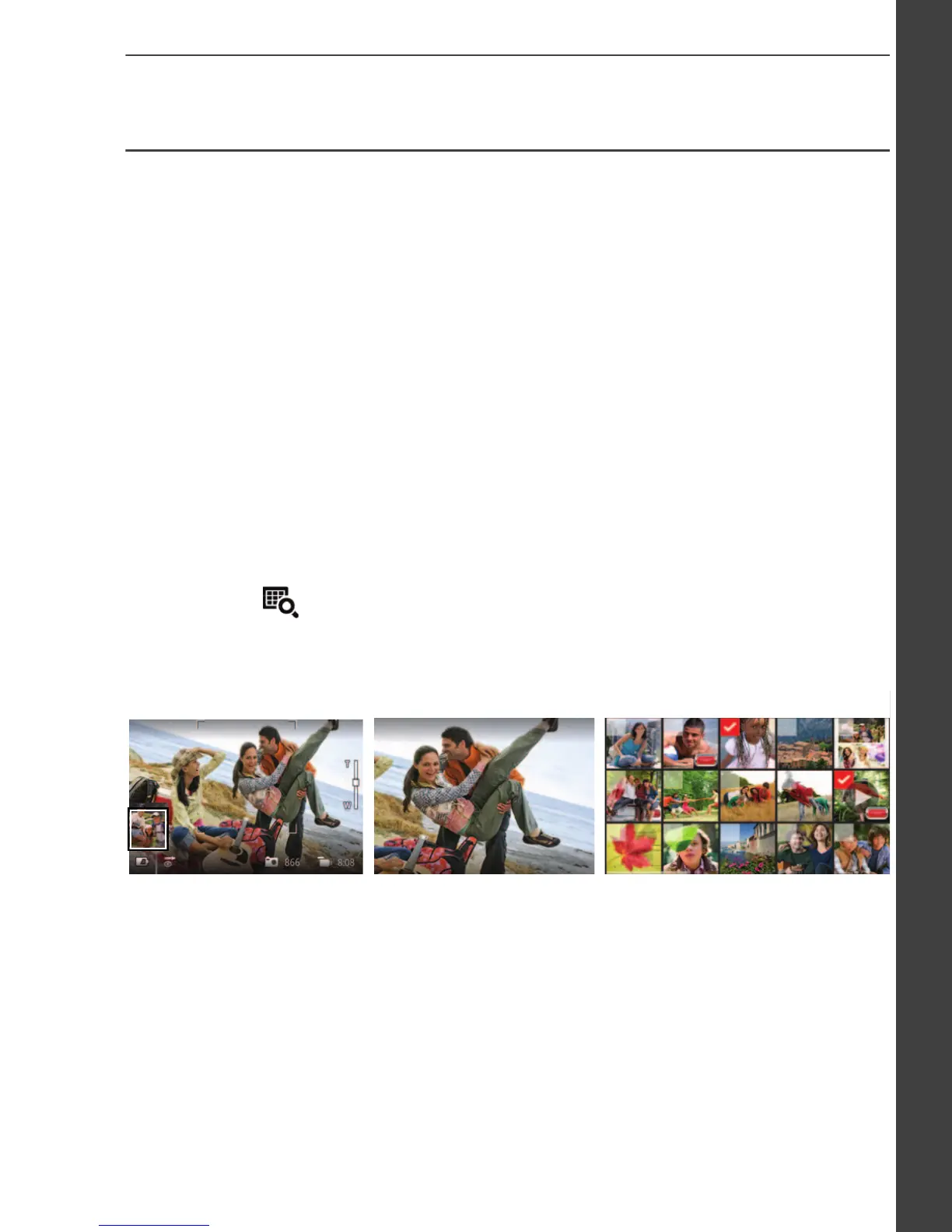
1 In Liveview: Press the Share button. Tap Select Images, then tap
the pictures/videos you want to share. (To share only the most
recent picture/video, tap the thumbnail in the bottom left corner of
the LCD.)
In Quickview: During a Quickview, press the Share button. Then
go to Step 3.
In Review: Find a picture/video. (To share more than one, tap
Multi-up to view thumbnails. Tap Select Images, then tap the
pictures/videos to share.)
2 Press the Share button.
In Liveview In Quickview
In Review
urg_01219.book Page 15 Wednesday, March 9, 2011 11:52 AM













 To Next Page